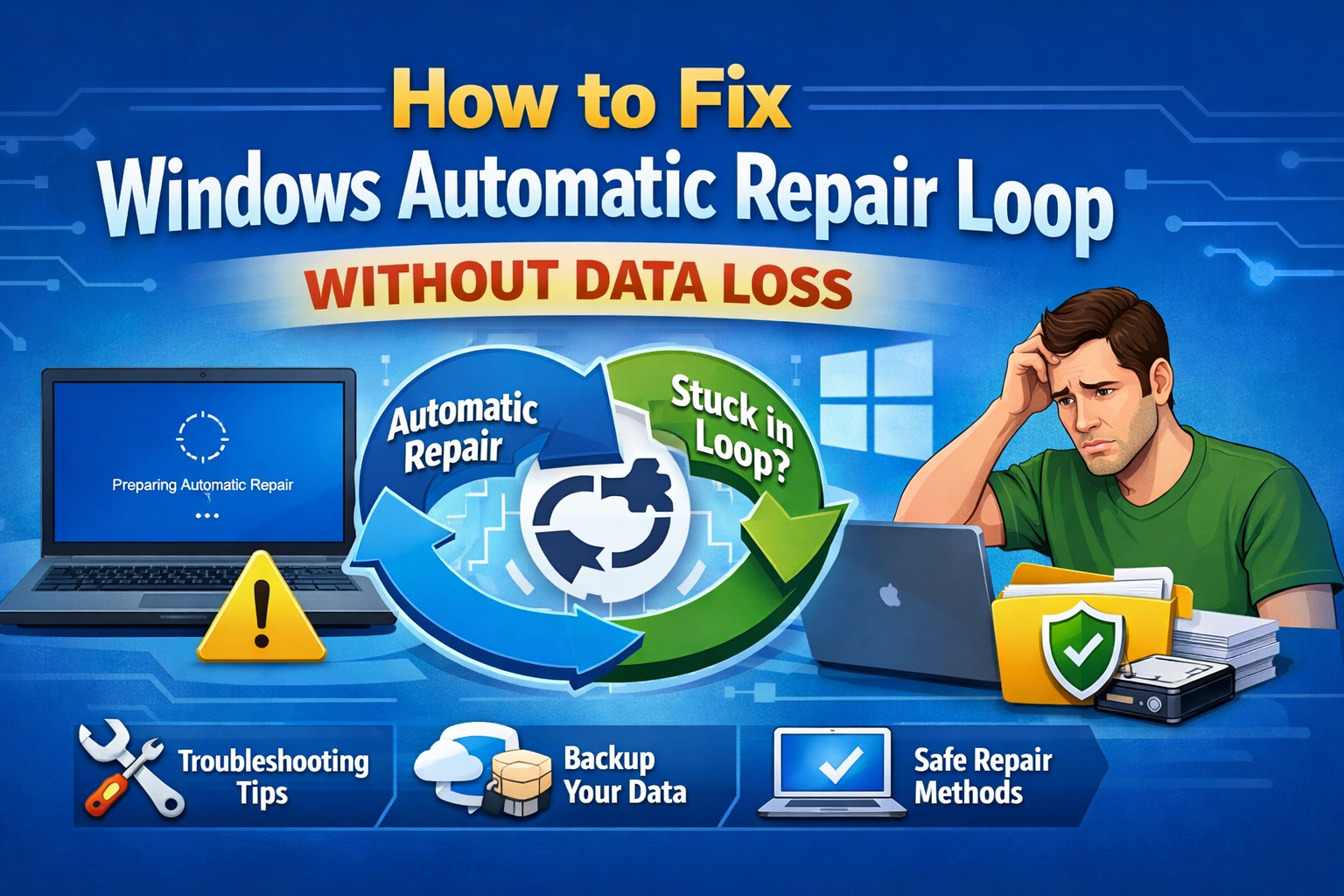
How to Fix Windows Automatic Repair Loop Without Data Loss

How to Fix Windows Automatic Repair Loop Without Data Loss If your PC is stuck on “Preparing Automatic Repair” or “Diagnosing your PC” every time it starts, you are not alone. This frustrating issue—known as the Windows Automatic Repair Loop—can happen after a failed update, power outage, or corrupted system file. The good news? You … Read more

How to Fix Laptop Docking Station Issues on Windows

How to Fix Laptop Docking Station Issues on Windows (Step-by-Step Guide) Laptop docking stations are great for productivity. They let you connect external monitors, keyboards, mouse, Ethernet, speakers, and other devices using a single cable. But when something goes wrong, it can be very frustrating. If your monitor is not detected, USB ports stop working, … Read more

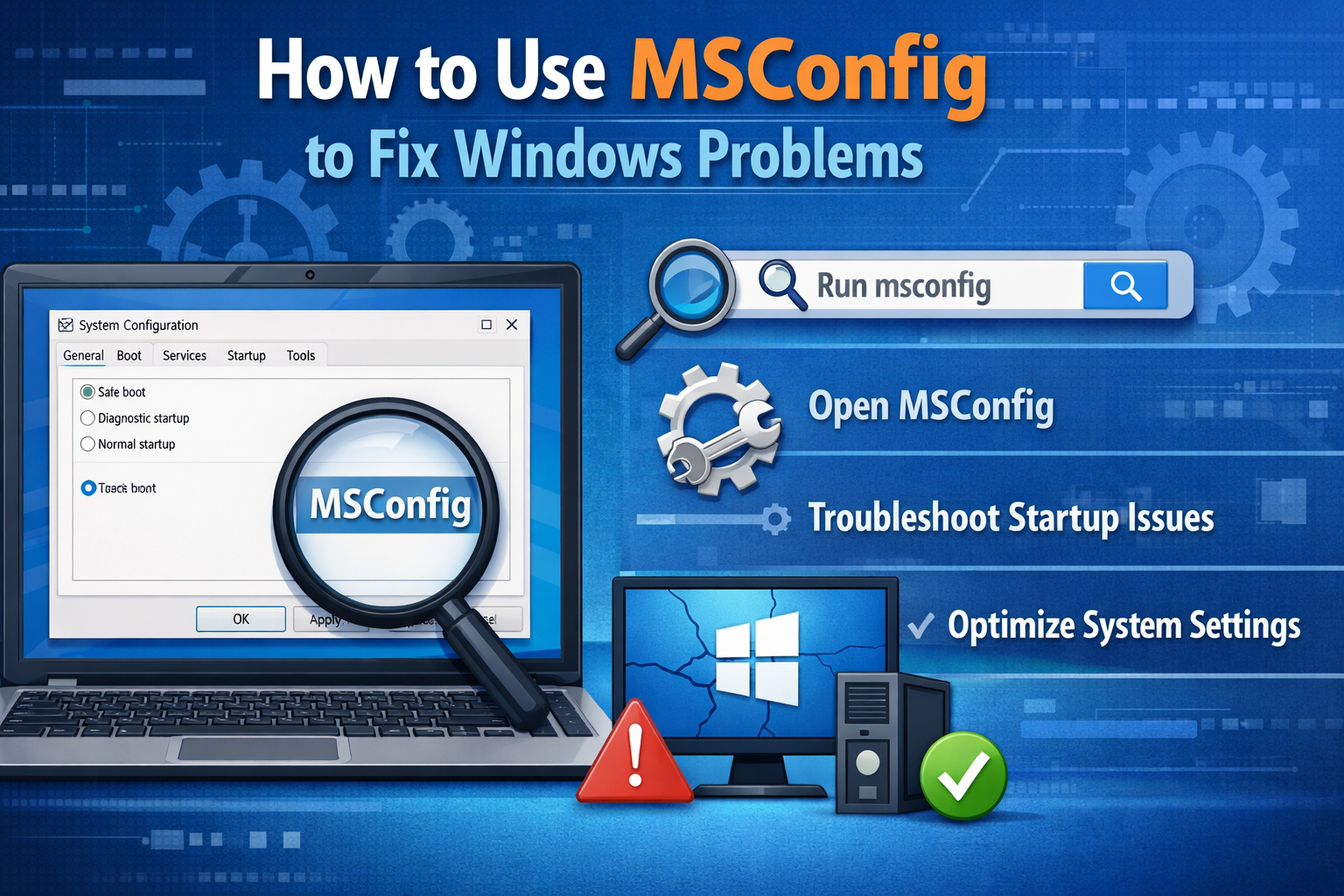
How to Use MSConfig to Fix Windows Problems

How to Use MSConfig to Fix Windows Problems (Beginner-Friendly Guide) Windows problems like slow startup, random crashes, or apps not opening can make your PC frustrating to use. Many users immediately think about reinstalling Windows, but in many cases, that’s not necessary. One powerful built-in tool can help you troubleshoot these issues safely: MSConfig. In … Read more

How to Fix External Monitor Not Working on Windows

How to Fix External Monitor Not Working on Windows (Beginner-Friendly Guide) An external monitor not working on Windows can be frustrating, especially when you need more screen space for work, study, or entertainment. You plug in the monitor, but nothing happens—no display, no signal, or a black screen. Don’t worry. In most cases, this problem … Read more

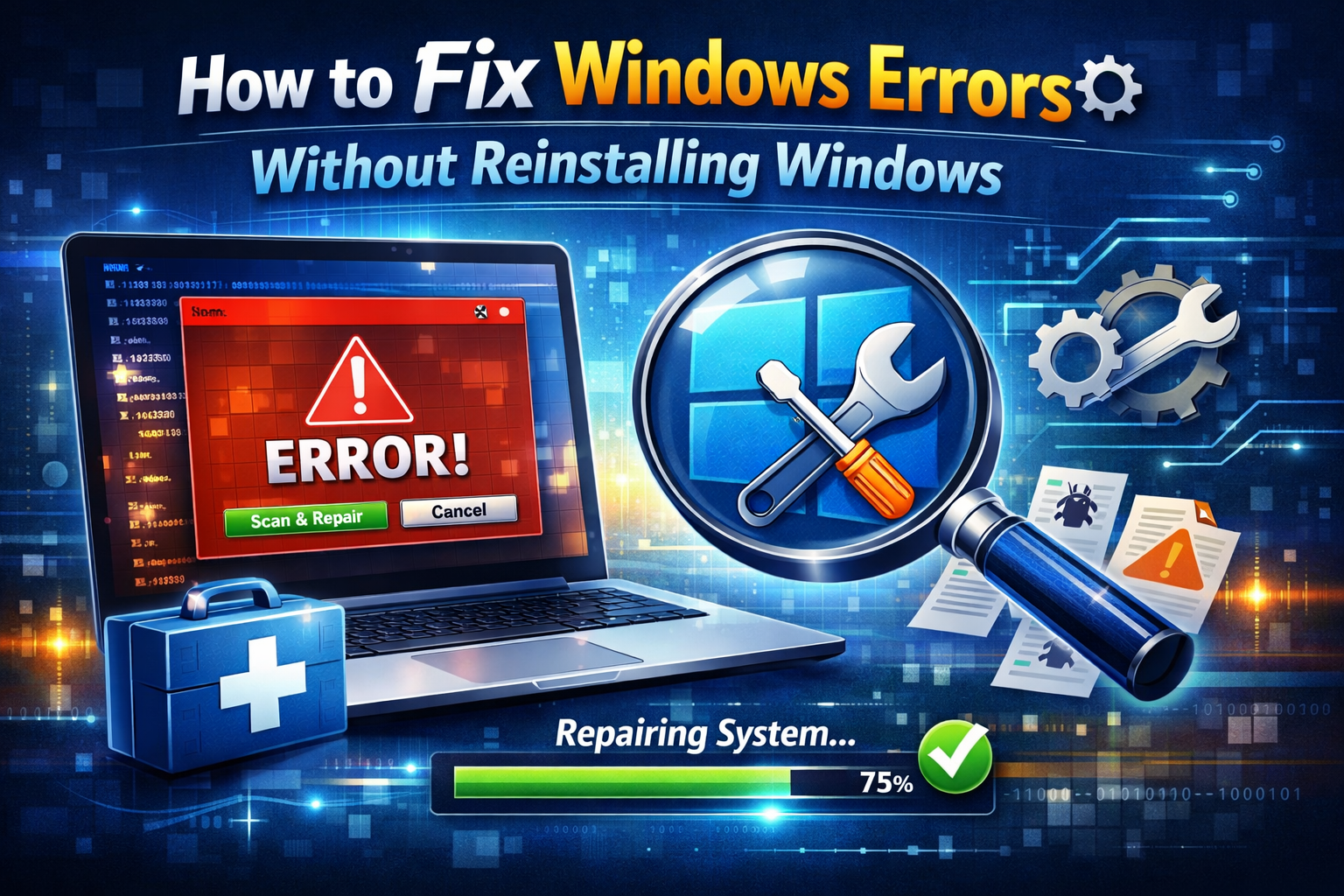
How to Fix Windows Errors Without Reinstalling Windows

How to Fix Windows Errors Without Reinstalling Windows (Beginner-Friendly Guide) Windows errors can be frustrating. Your PC may freeze, crash, show strange error messages, or stop working properly. Many users think the only solution is reinstalling Windows—but that’s not true. In most cases, you can fix problems safely without losing your files or reinstalling the … Read more

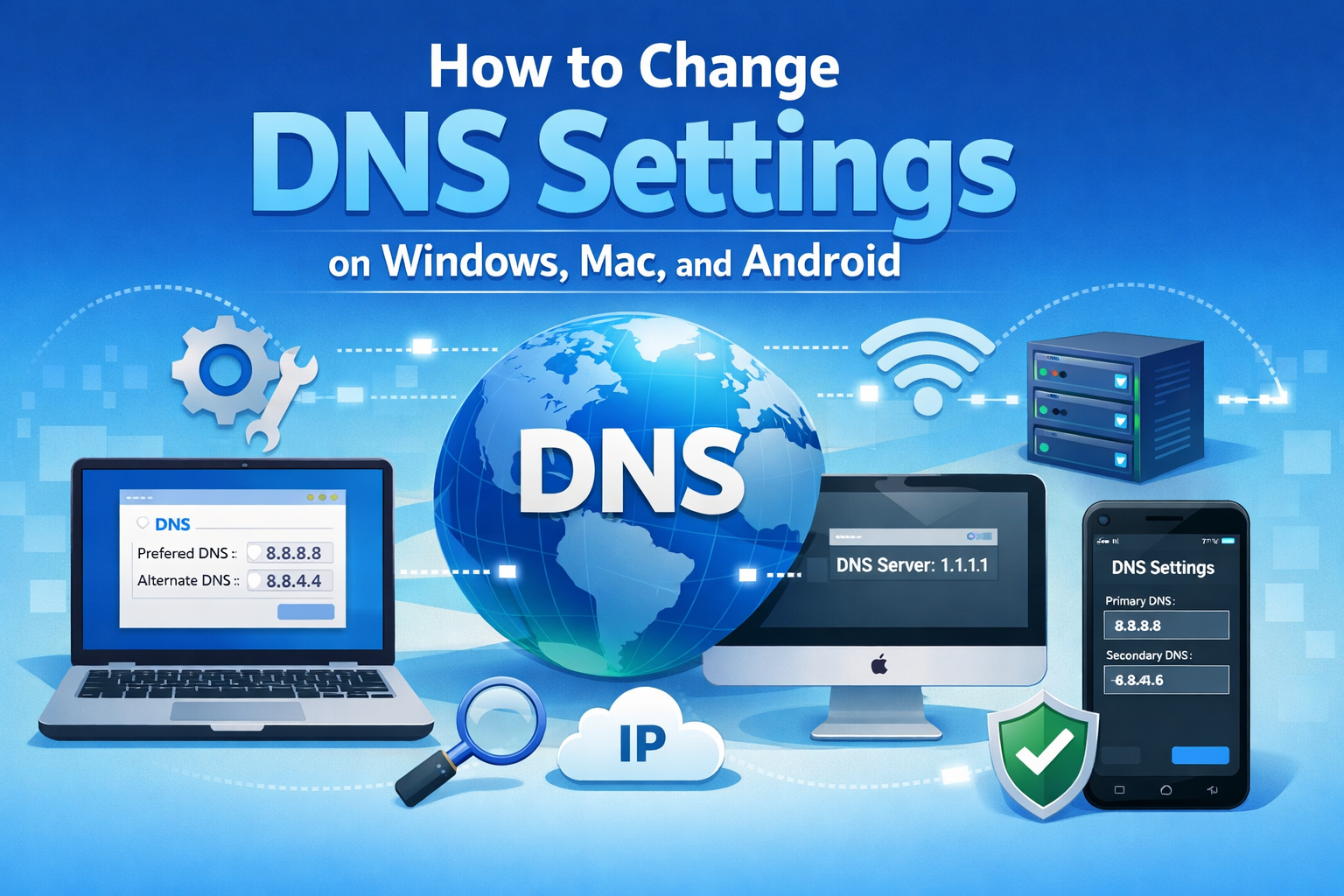
How to Change DNS Settings on Windows, Mac, and Android

How to Change DNS Settings on Windows, Mac, and Android (Beginner-Friendly Guide) Slow internet, websites not loading, or frequent connection errors can be very frustrating. In many cases, the problem is not your internet speed but your DNS settings. Learning how to change DNS settings on Windows, Mac, and Androidcan help fix browsing issues, improve … Read more

How to Fix Screen Flickering on Windows

How to Fix Screen Flickering on Windows (Easy Step-by-Step Guide) Screen flickering on a Windows computer can be annoying, distracting, and sometimes scary—especially if it happens suddenly. If your display keeps blinking, flashing, or going black for a moment, you are not alone. Many users experience this problem after updates, driver changes, or hardware issues. … Read more

How to Disable Antivirus Temporarily on Windows

How to Disable Antivirus Temporarily on Windows (Beginner-Friendly Guide) Sometimes, antivirus software can block safe programs, slow down installations, or interfere with troubleshooting. In these situations, knowing how to disable antivirus temporarily on Windows can save you time and frustration. This guide is written in simple, clear English for beginners and normal users. You’ll learn … Read more

How to Fix Driver Issues on Windows

How to Fix Driver Issues on Windows (Step-by-Step Guide for Beginners) Driver problems are one of the most common reasons Windows computers stop working properly. If your sound is not working, your screen looks strange, Wi-Fi keeps disconnecting, or a device suddenly stops responding, the real issue is often a driver problem. Learning how to … Read more