How to Check If Your ISP Is Throttling Your Internet
How to Check If Your ISP Is Throttling Your Internet Slow internet can be incredibly frustrating—especially when you’re paying for a fast plan. One common reason for sudden or ongoing slow speeds is ISP throttling. If you’ve ever wondered whether your internet service provider is intentionally slowing down your connection, this guide will help you … Read more
How to Flush DNS Cache to Fix Internet Issues

How to Flush DNS Cache to Fix Internet Issues If your internet suddenly stops working, websites won’t load, or you keep seeing “DNS server not responding” errors, one simple fix can save you a lot of frustration: flush DNS cache. Many beginners don’t know that your computer stores DNS information locally. When this data becomes … Read more

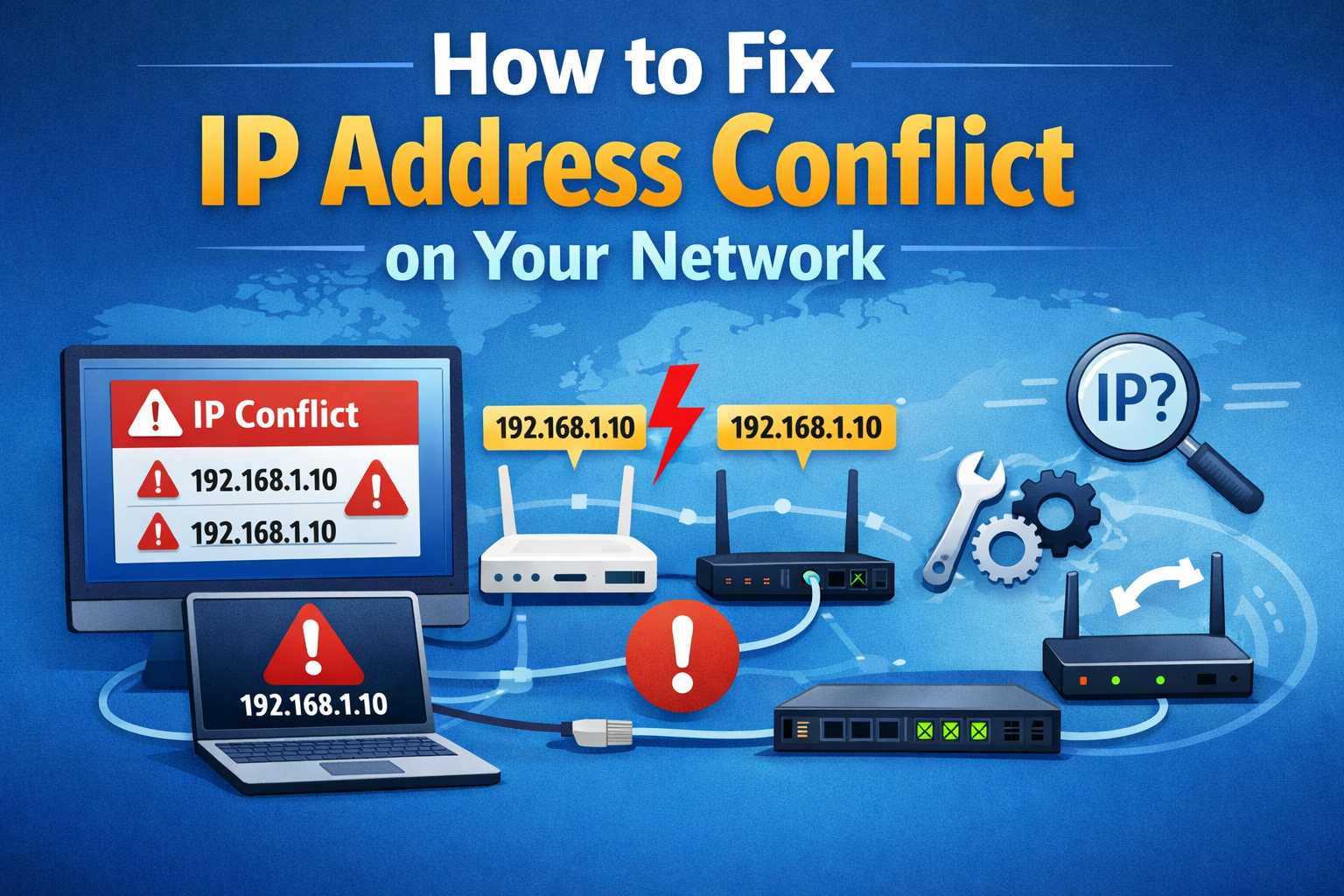
How to Fix IP Address Conflict on Your Network

How to Fix IP Address Conflict on Your Network If your internet suddenly stops working, shows strange error messages, or disconnects devices randomly, you may be dealing with an IP address conflict. This is a common network problem, especially in homes and small offices with many connected devices. In this guide, you’ll learn how to … Read more

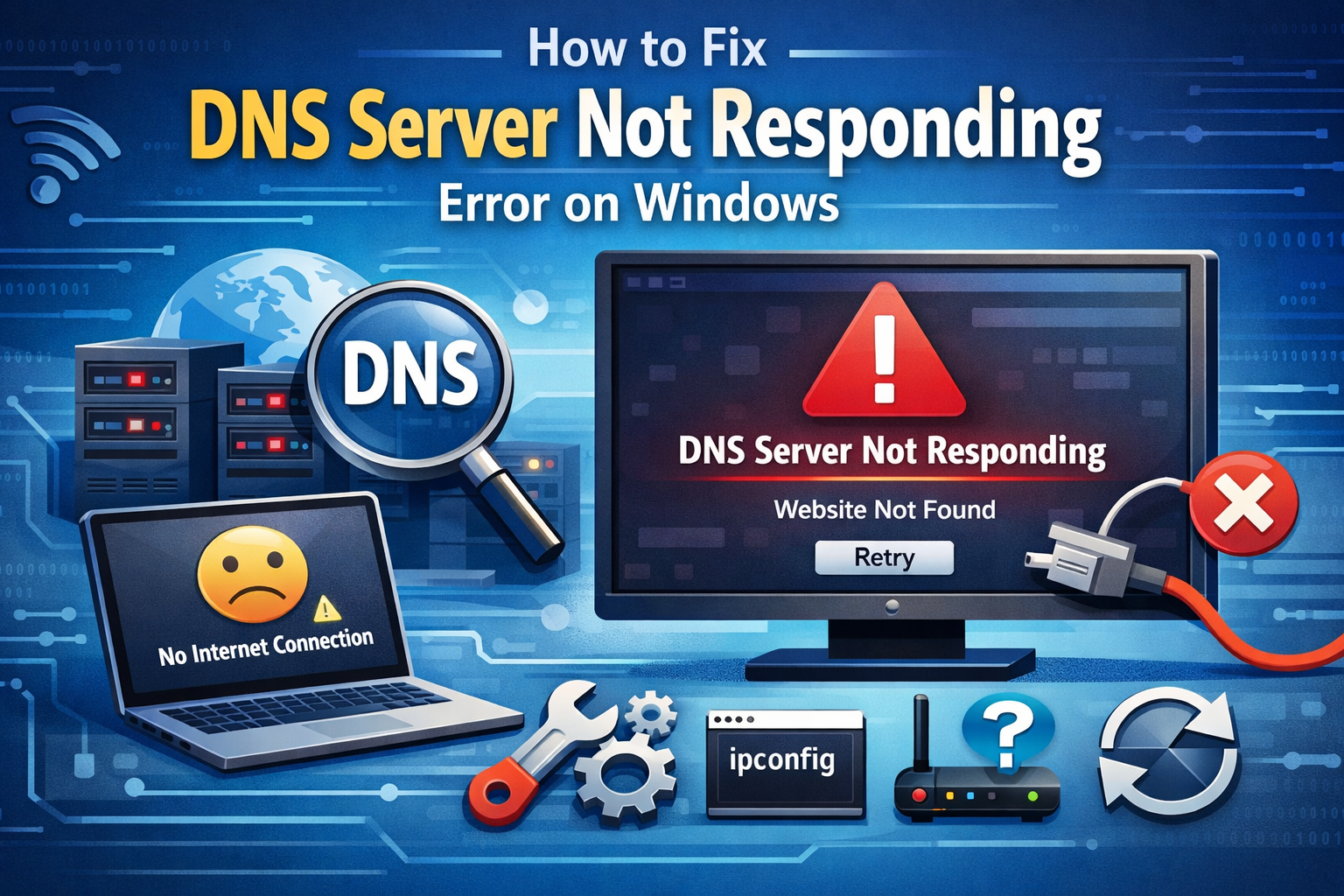
How to Fix DNS Server Not Responding Error on Windows

How to Fix DNS Server Not Responding Error on Windows Seeing the DNS Server Not Responding error on Windows can be frustrating—especially when your internet looks connected but websites refuse to load. This problem is common on Windows 10 and Windows 11, and the good news is that it’s usually easy to fix, even if … Read more

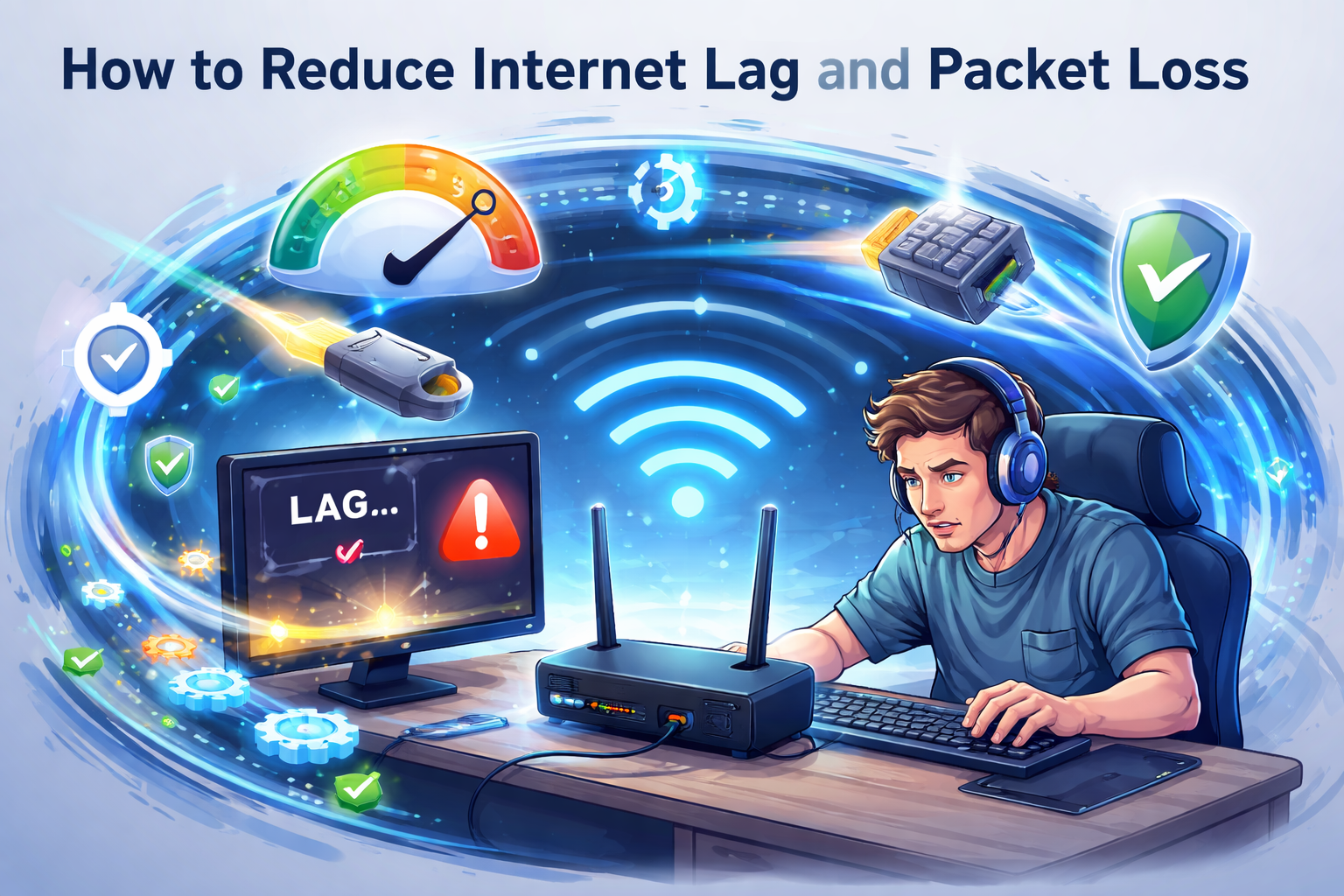
How to Reduce Internet Lag and Packet Loss

How to Reduce Internet Lag and Packet Loss If your internet feels slow, unstable, or keeps disconnecting during video calls or online games, you are not alone. How to reduce internet lag and packet loss is one of the most common questions from home users today. Lag and packet loss can turn simple tasks like … Read more

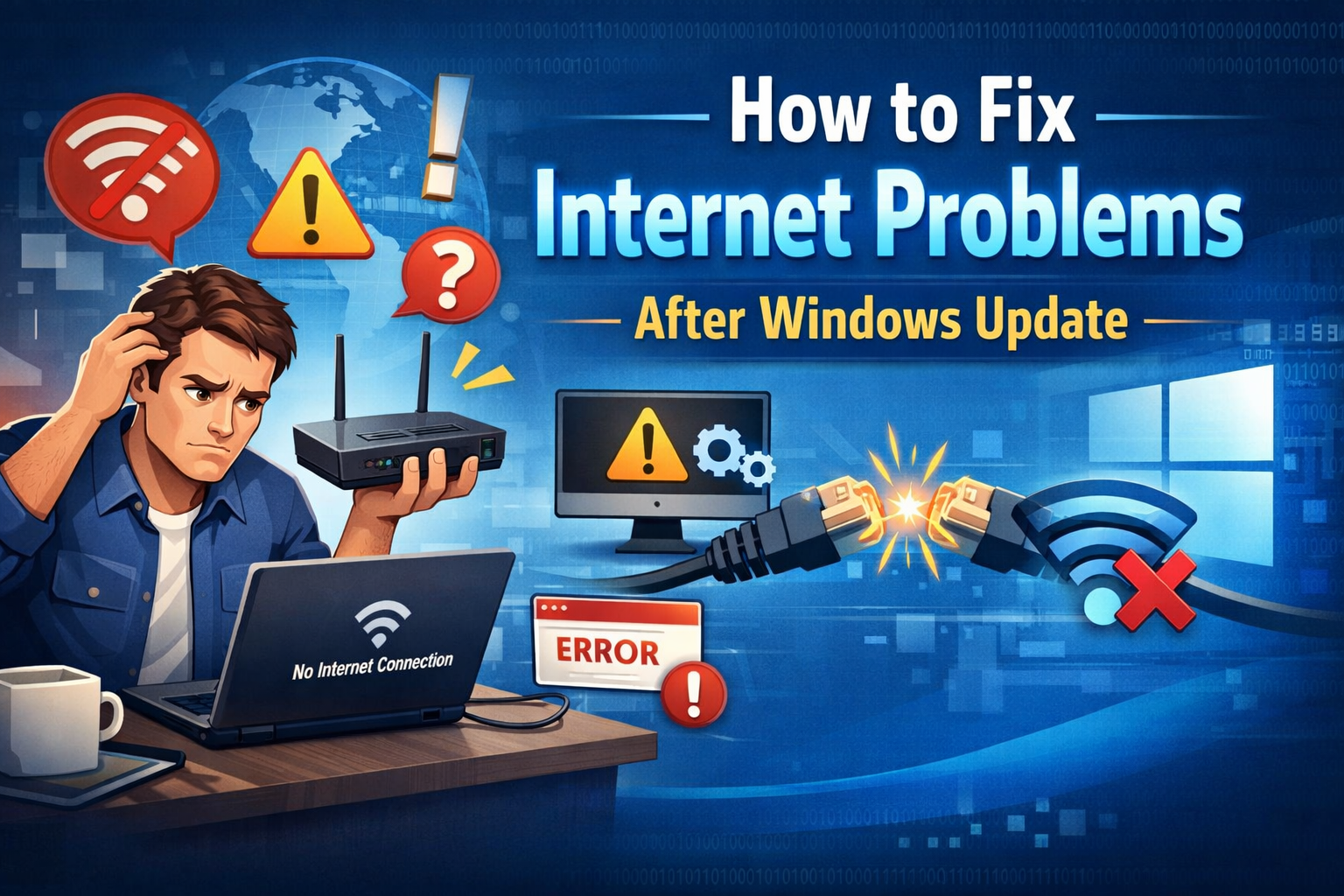
How to Fix Internet Problems After Windows Update

How to Fix Internet Problems After Windows Update If your internet suddenly stopped working after a Windows update, you’re not alone. Many users experience internet problems after Windows Update, such as no connection, slow speed, Wi-Fi not showing, or Ethernet not working. The good news? Most of these issues are easy to fix—even if you’re … Read more

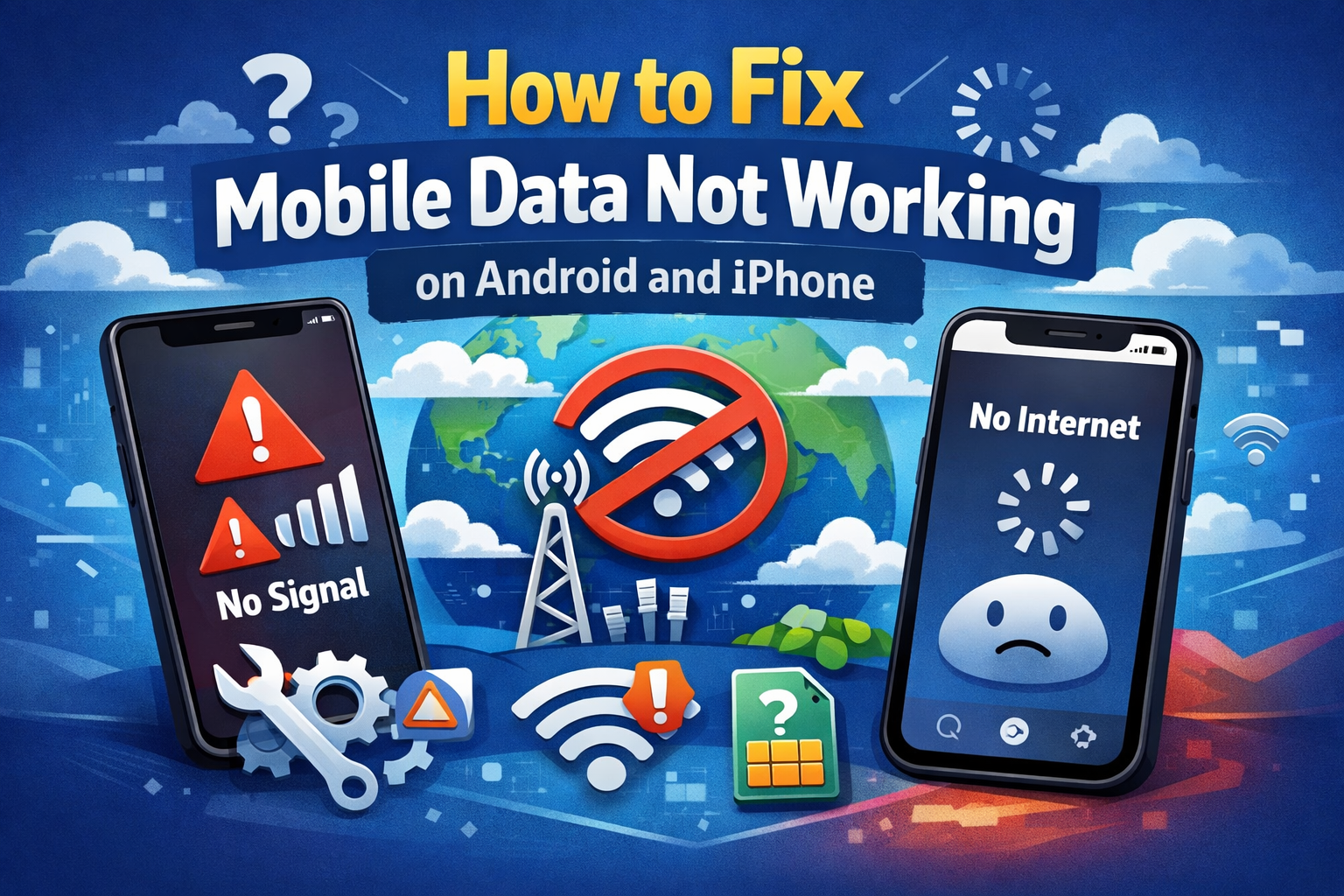
How to Fix Mobile Data Not Working on Android and iPhone

How to Fix Mobile Data Not Working on Android and iPhone Mobile data is something we rely on every day—for browsing, messaging, maps, and social media. So when mobile data not working on Android and iPhone, it can be frustrating, confusing, and sometimes even stressful. If your phone shows signal bars but the internet won’t … Read more

How to Change DNS to Improve Internet Speed

How to Change DNS to Improve Internet Speed Slow internet can be incredibly frustrating—especially when everything looks fine, but websites still load slowly. One simple but often overlooked solution is changing your DNS settings. How to Change DNS to Improve Internet Speed is a practical guide that helps beginners and normal users speed up browsing, … Read more

How to Fix WiFi Connected but No Internet Access

How to Fix WiFi Connected but No Internet Access If your device shows WiFi connected but no internet access, you’re not alone. This is one of the most common internet problems faced by beginners and everyday users. You may see full WiFi bars, but websites won’t load, apps can’t connect, and videos refuse to play. … Read more

How to Fix Internet Not Working on Any Device

How to Fix Internet Not Working on Any Device When your internet suddenly stops working, it can feel frustrating—especially when the internet is not working on any device in your home. You might notice that your phone, laptop, smart TV, and tablet all lose connection at the same time. This usually means the problem is … Read more