
Make Money With iPhone by Creating Online Courses: A Complete Beginner’s Guide
Introduction
What if you could turn your iPhone into a powerful income machine—without needing expensive equipment or technical skills?
Many people think creating online courses requires a laptop, studio setup, or professional tools. But the truth is, your iPhone alone is more than enough to get started.
In this guide, you’ll discover how to make money with iPhone by creating online courses, even if you’re a complete beginner. We’ll walk you through simple, proven methods, real-life examples, and practical tips so you can start earning—right from your phone.
Let’s dive in.
Why Creating Online Courses on iPhone Is a Smart Move
Before we jump into the methods, here’s why this works so well:
- 📱 iPhones have high-quality cameras and apps
- 🌍 You can teach people worldwide
- 💰 Courses generate passive income
- ⏱️ Work anytime, anywhere
Whether you’re teaching English, fitness, design, or business skills—your knowledge can become your income.
7 Proven Ways to Make Money With iPhone by Creating Online Courses
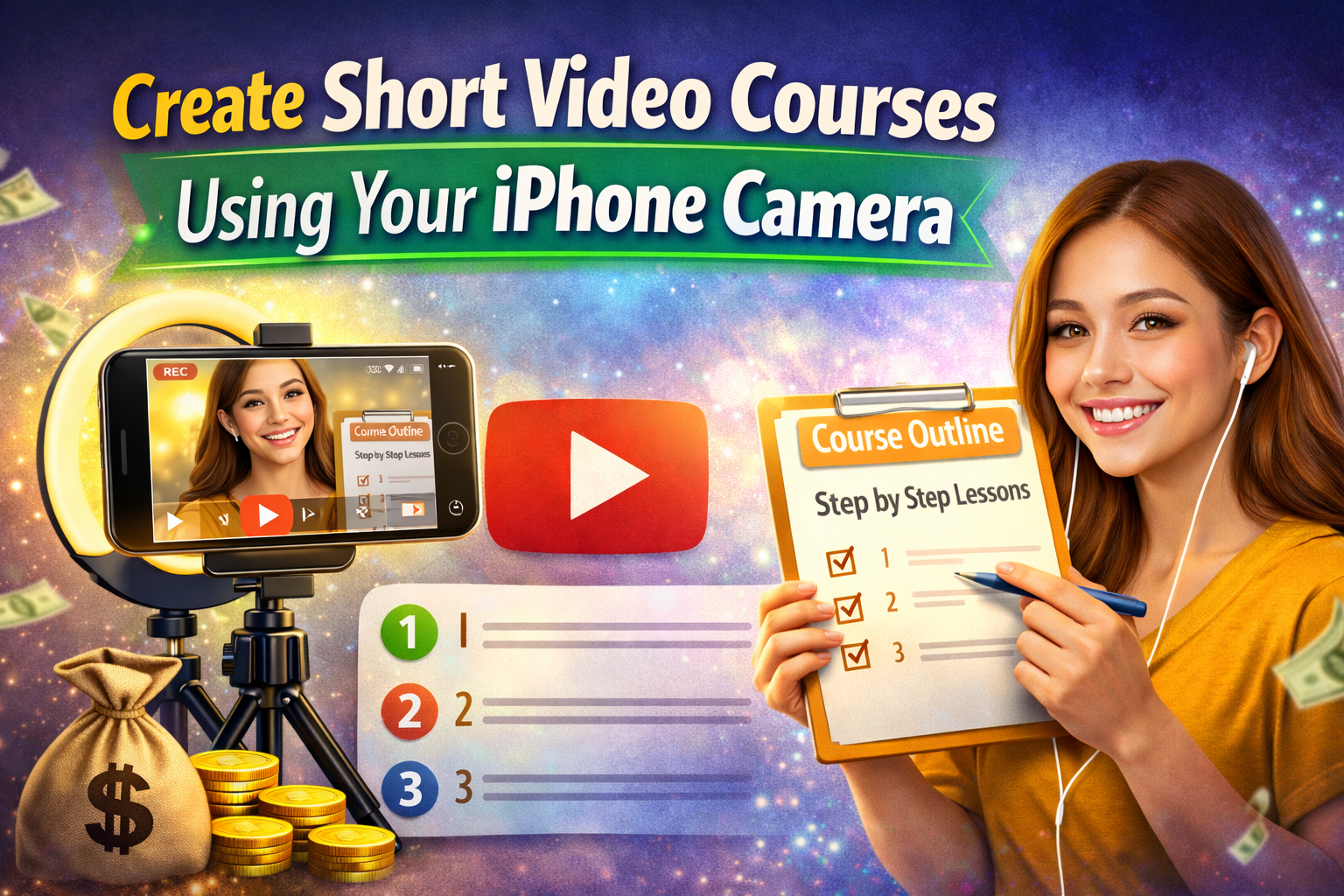
1. Create Short Video Courses Using Your iPhone Camera
What it is:
Record simple lessons using your iPhone and turn them into a structured course.
Example:
You teach “Basic English for Beginners” by recording 5–10 minute videos per lesson.
How to get started:
- Use your iPhone camera (front or back)
- Record in a quiet, well-lit place
- Break your content into small lessons
Pro Tip:
Use apps like:
- iMovie (for editing)
- CapCut (for adding captions)
2. Sell Courses on Platforms Like Udemy or Skillshare
What it is:
Upload your iPhone-recorded course to popular platforms and earn money from students.
Example:
A beginner creates a “How to Use Canva on iPhone” course and earns passive income monthly.
How to get started:
- Create an account on Udemy or Skillshare
- Upload your course videos
- Add a clear title and description
Pro Tip:
Focus on high-demand topics like:
- Digital marketing
- Freelancing skills
- Language learning
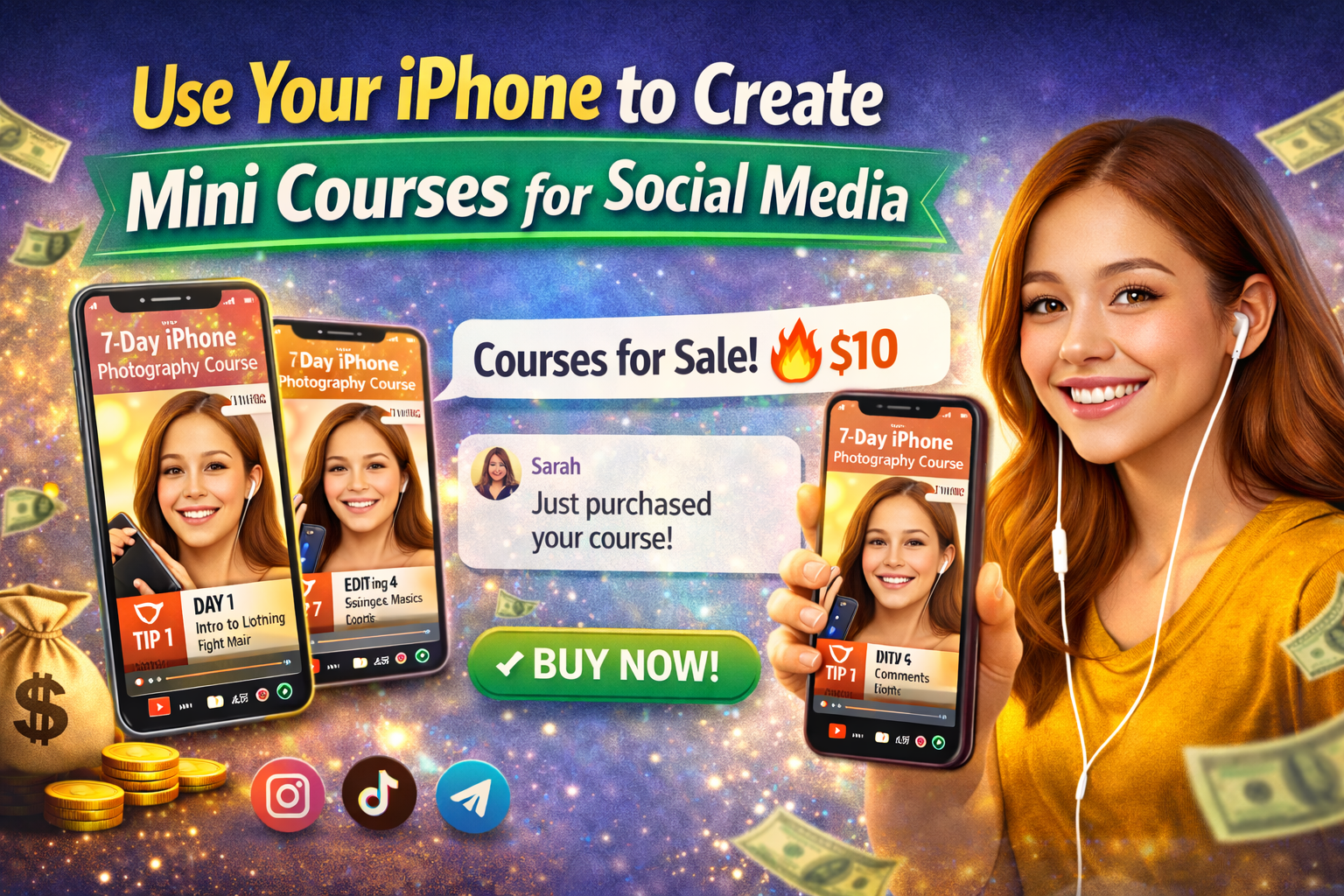
3. Use Your iPhone to Create Mini Courses for Social Media
What it is:
Create short lessons and sell them via Instagram, TikTok, or Telegram.
Example:
You create a “7-Day iPhone Photography Course” and sell it for $10.
How to get started:
- Record vertical videos
- Post free tips to build audience
- Sell full course via link or message
Pro Tip:
Use short-form video content to attract buyers.
4. Teach Live Classes Using Your iPhone
What it is:
Host live lessons via Zoom, Google Meet, or Facebook Live.
Example:
You teach live speaking classes weekly and charge per session.
How to get started:
- Schedule sessions
- Use your iPhone for video + audio
- Promote via social media
Pro Tip:
Offer:
- Free first class to attract students
- Discounts for group sessions
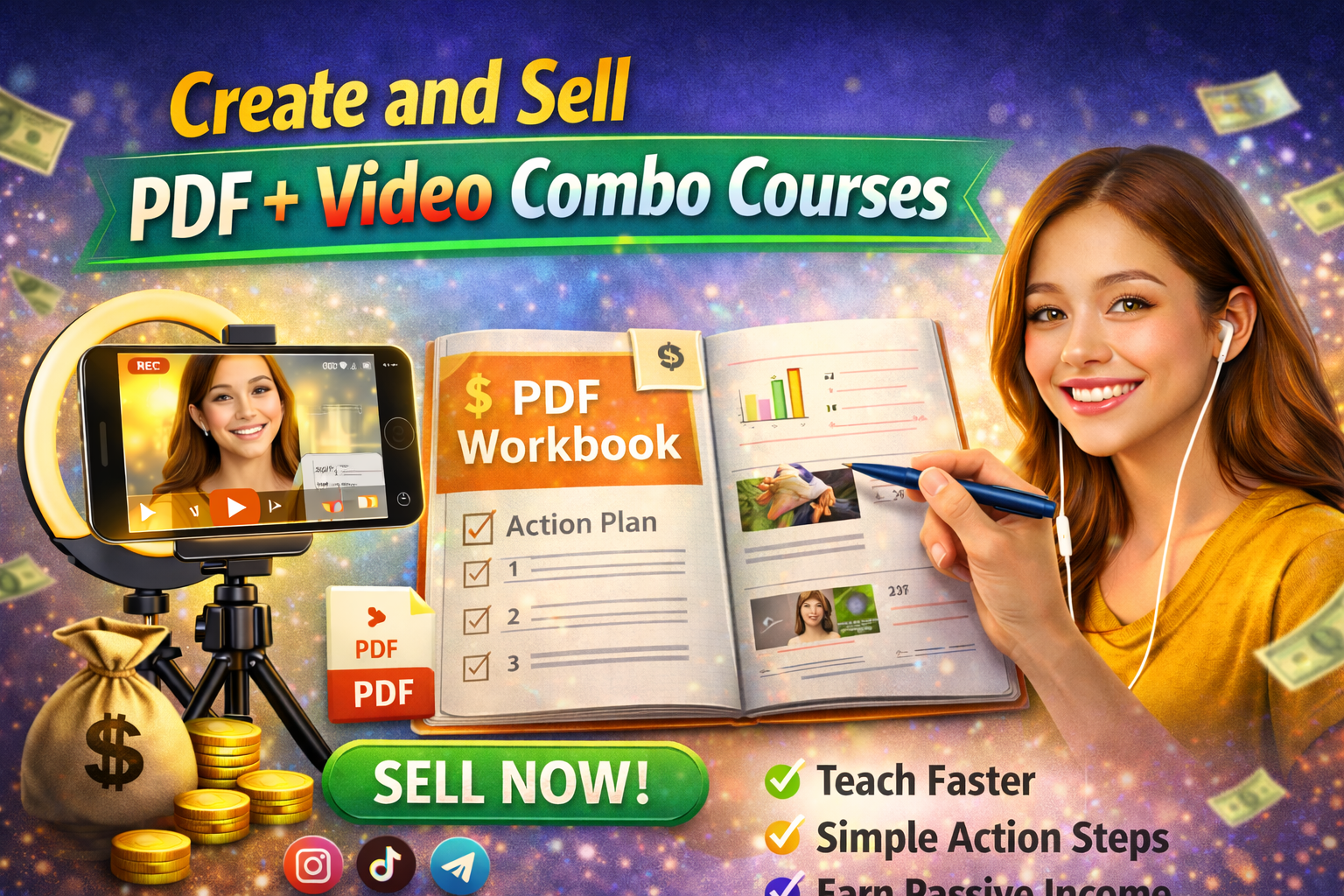
5. Create and Sell PDF + Video Combo Courses
What it is:
Combine video lessons with simple PDF guides (created on your phone).
Example:
A course on “Start a Small Online Business” includes videos + checklist PDF.
How to get started:
- Use apps like Canva to create PDFs
- Record supporting videos
- Bundle and sell
Pro Tip:
People love easy-to-follow guides, so keep content simple.
6. Build a Personal Brand and Sell Premium Courses
What it is:
Grow your audience and sell higher-priced courses directly.
Example:
You build a TikTok page about “Making Money Online” and later sell a $50 course.
How to get started:
- Post daily valuable content
- Build trust with your audience
- Launch your course after growth
Pro Tip:
Consistency = more followers = more sales
7. Use Affiliate Marketing Inside Your Courses

What it is:
Recommend tools or apps and earn commission when students buy.
Example:
You teach content creation and recommend editing apps with affiliate links.
How to get started:
- Join affiliate programs
- Mention tools in your lessons
- Add links in course description
Pro Tip:
Only recommend tools you actually use—this builds trust.
Pros and Cons of Making Money With iPhone Courses
✅ Pros
- Low startup cost (just your iPhone)
- Flexible working hours
- Passive income potential
- Easy to scale globally
- No need for advanced tech skills
❌ Cons
- Takes time to build audience
- Requires consistency
- Competition in popular topics
- Income may be slow at first
Tips to Maximize Earnings Using Your iPhone
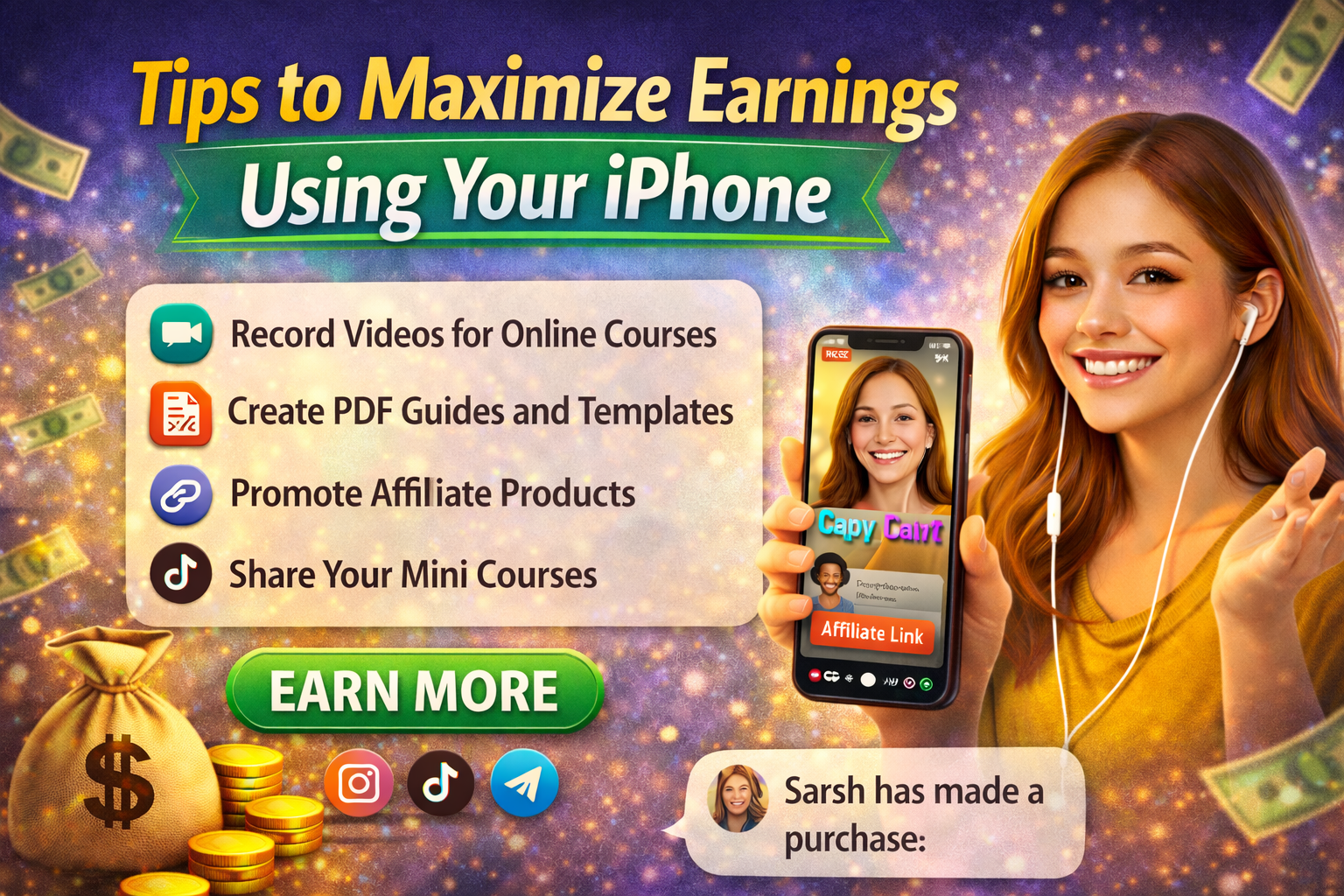
Want to increase your income faster? Follow these powerful tips:
🔥 1. Focus on a Specific Niche
Don’t try to teach everything. Pick one topic like:
- English speaking
- Freelancing
- iPhone photography
🔥 2. Keep Videos Short and Clear
- 5–10 minutes per lesson works best
- Use simple language
🔥 3. Improve Audio Quality
- Record in a quiet place
- Use earphones with mic if possible
🔥 4. Use SEO Keywords
Include keywords like:
- Make money with iPhone
- Online course creation
- Passive income ideas
- Earn money online with phone
- iPhone business ideas
🔥 5. Add Value First
Give free tips before selling your course. This builds trust and increases conversions.
🔥 6. Be Consistent
Post content daily or weekly to grow your audience faster.
🔥 7. Learn Basic Editing
Use apps like:
- CapCut
- InShot
- VN Editor
Good editing = more professional courses.
Conclusion: Start Today and Turn Your iPhone Into Income
You don’t need expensive gear, a big team, or years of experience to succeed.
All you need is:
- Your iPhone
- Your knowledge
- A willingness to start
By following these methods, you can make money with iPhone by creating online courses and build a real source of income—step by step.
👉 Start today: Pick one idea, record your first lesson, and share it.
Your first course might not be perfect—but it could be the beginning of your success.