
How to Make Money With iPhone by Selling Services Online
Introduction
Do you own an iPhone and want to turn it into a money-making machine? You’re not alone.
Many people think you need a laptop or expensive setup to earn online. But the truth is—you can make money with iPhone by selling services online without any fancy equipment.
Whether you’re a student, freelancer, or someone looking for extra income, your iPhone can help you start a profitable online business today.
In this guide, you’ll discover 10 powerful and beginner-friendly ways to earn money by offering services directly from your phone plus practical tips to maximize your income.
Let’s dive in 👇
💼 1. Freelance Writing Services

What it is:
Offer writing services like blog posts, captions, or product descriptions.
Example:
You write short Instagram captions for small businesses or articles for blogs.
How to start:
- Use apps like Fiverr, Upwork, or Freelancer
- Write samples in Notes or Google Docs
- Pitch clients daily
Pro Tips:
- Focus on one niche (e.g., travel, tech, finance)
- Use Grammarly app to improve writing quality
- Start with lower prices, then increase
🎨 2. Graphic Design with Mobile Apps
What it is:
Create logos, social media posts, or thumbnails using your iPhone.
Example:
Design Instagram posts for influencers using Canva.
How to start:
- Download Canva or Adobe Express
- Create sample designs
- Offer services on marketplaces
Pro Tips:
- Use trending templates
- Focus on social media graphics
- Build a portfolio using Instagram
🎬 3. Video Editing Services

What it is:
Edit videos for YouTubers, TikTok creators, or businesses.
Example:
You edit short TikTok videos using CapCut.
How to start:
- Learn editing basics on YouTube
- Use CapCut or iMovie
- Offer “Reels editing” services
Pro Tips:
- Add subtitles (high demand)
- Use trending effects
- Offer fast delivery
📱 4. Social Media Management
What it is:
Manage accounts for businesses or influencers.
Example:
You post daily content, reply to comments, and grow followers.
How to start:
- Offer services to small businesses
- Use scheduling apps like Buffer or Later
- Create content using your phone
Pro Tips:
- Focus on one platform (Instagram, TikTok)
- Track analytics
- Show results to clients
🎙️ 5. Voice-Over Services

What it is:
Record voiceovers for videos, ads, or audiobooks.
Example:
You record narration for YouTube videos.
How to start:
- Use Voice Memos or recording apps
- Create demo samples
- Sell on Fiverr
Pro Tips:
- Record in a quiet room
- Speak clearly and confidently
- Offer multiple voice styles
📸 6. Mobile Photography Services
What it is:
Sell photos or offer photo shoots using your iPhone.
Example:
You take product photos for local businesses.
How to start:
- Practice photography skills
- Use apps like Lightroom Mobile
- Sell on stock sites or locally
Pro Tips:
- Focus on product or lifestyle photos
- Use natural lighting
- Build a portfolio
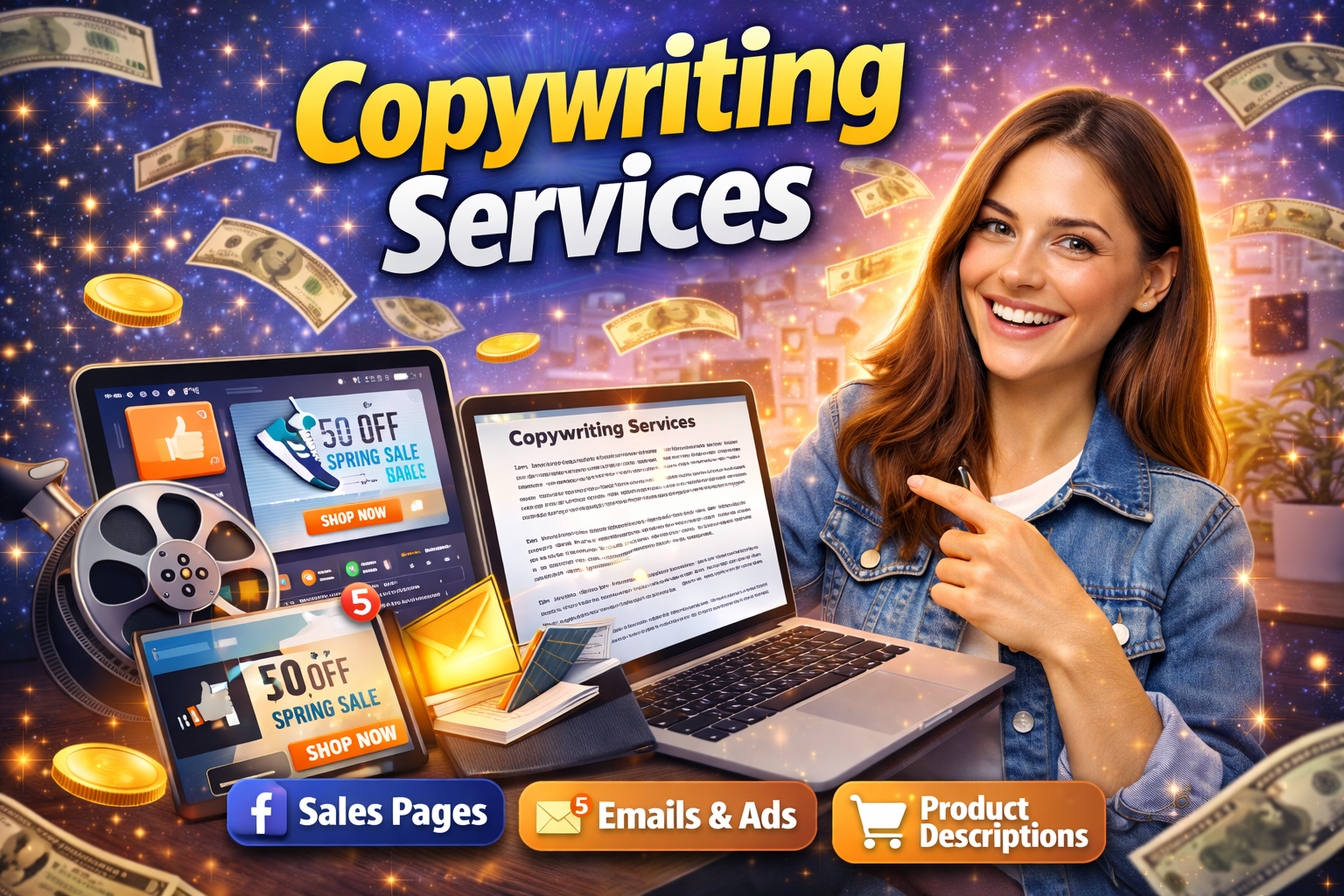
✍️ 7. Copywriting Services
What it is:
Write sales pages, ads, or email content.
Example:
You write Facebook ads for online stores.
How to start:
- Learn basic copywriting skills
- Offer services on freelance platforms
- Practice writing daily
Pro Tips:
- Study successful ads
- Focus on results (sales, clicks)
- Use simple and persuasive language
🎧 8. Podcast Editing or Management
What it is:
Help podcasters edit audio or manage their shows.
Example:
You edit podcast episodes using mobile apps.
How to start:
- Use apps like GarageBand
- Offer services to new podcasters
- Promote on social media
Pro Tips:
- Remove background noise
- Add intro/outro music
- Offer fast turnaround
🧑🏫 9. Online Coaching or Consulting
What it is:
Teach skills like fitness, English, or business.
Example:
You coach beginners via Zoom or WhatsApp.
How to start:
- Choose your skill
- Offer free sessions to build trust
- Charge for premium coaching
Pro Tips:
- Keep sessions short and focused
- Use video calls for better engagement
- Build authority on social media
🛍️ 10. Virtual Assistant Services
What it is:
Help businesses with tasks like email, scheduling, or research.
Example:
You manage emails for a small business owner.
How to start:
- List your skills
- Apply on freelance platforms
- Offer affordable starter packages
Pro Tips:
- Be organized and responsive
- Use productivity apps
- Offer multiple services
✅ Pros and Cons of Selling Services with an iPhone
✔️ Pros:
- Low startup cost (just your iPhone)
- Work from anywhere
- Flexible schedule
- Unlimited earning potential
❌ Cons:
- Small screen can slow work
- Requires self-discipline
- High competition
- Internet connection needed
💡 Tips to Maximize Earnings Using an iPhone

Want to earn more faster? Follow these smart tips:
🔥 1. Pick One Skill First
Don’t try everything. Focus on one service and master it.
⚡ 2. Use the Right Apps
- Canva (design)
- CapCut (video editing)
- Fiverr (clients)
- Google Docs (writing)
📈 3. Build a Strong Portfolio
- Create samples
- Share on social media
- Show before/after results
💬 4. Communicate Like a Pro
- Reply fast
- Be polite and clear
- Understand client needs
💰 5. Start Small, Then Scale
- Offer low prices first
- Get reviews
- Increase rates gradually
🌍 6. Promote Yourself Daily
- Post on TikTok or Instagram
- Share your work
- Attract clients organically
Conclusion: Start Earning Today With Your iPhone 🚀
Now you know exactly how to make money with iPhone by selling services online.
The best part? You don’t need money, experience, or a computer to get started.
All you need is:
- Your iPhone 📱
- A skill 💡
- And consistent effort 🔥
Pick one method from this list and take action today. The sooner you start, the sooner you earn.
👉 Your iPhone is not just for scrolling it’s your next income stream. Start now!