How to Start an Online Store With Just Your iPhone
Want to build a real online business but don’t have a laptop, office, or big budget?
Good news: you can start an online store using only your iPhone.
In 2026, mobile commerce is bigger than ever. Millions of entrepreneurs are launching eCommerce businesses straight from their phones. If you have Wi-Fi and an iPhone, you already have everything you need.
This step-by-step guide will show you exactly how to start an online store using only your iPhone — even if you’re a beginner.
Why Starting an Online Store With Your iPhone Works
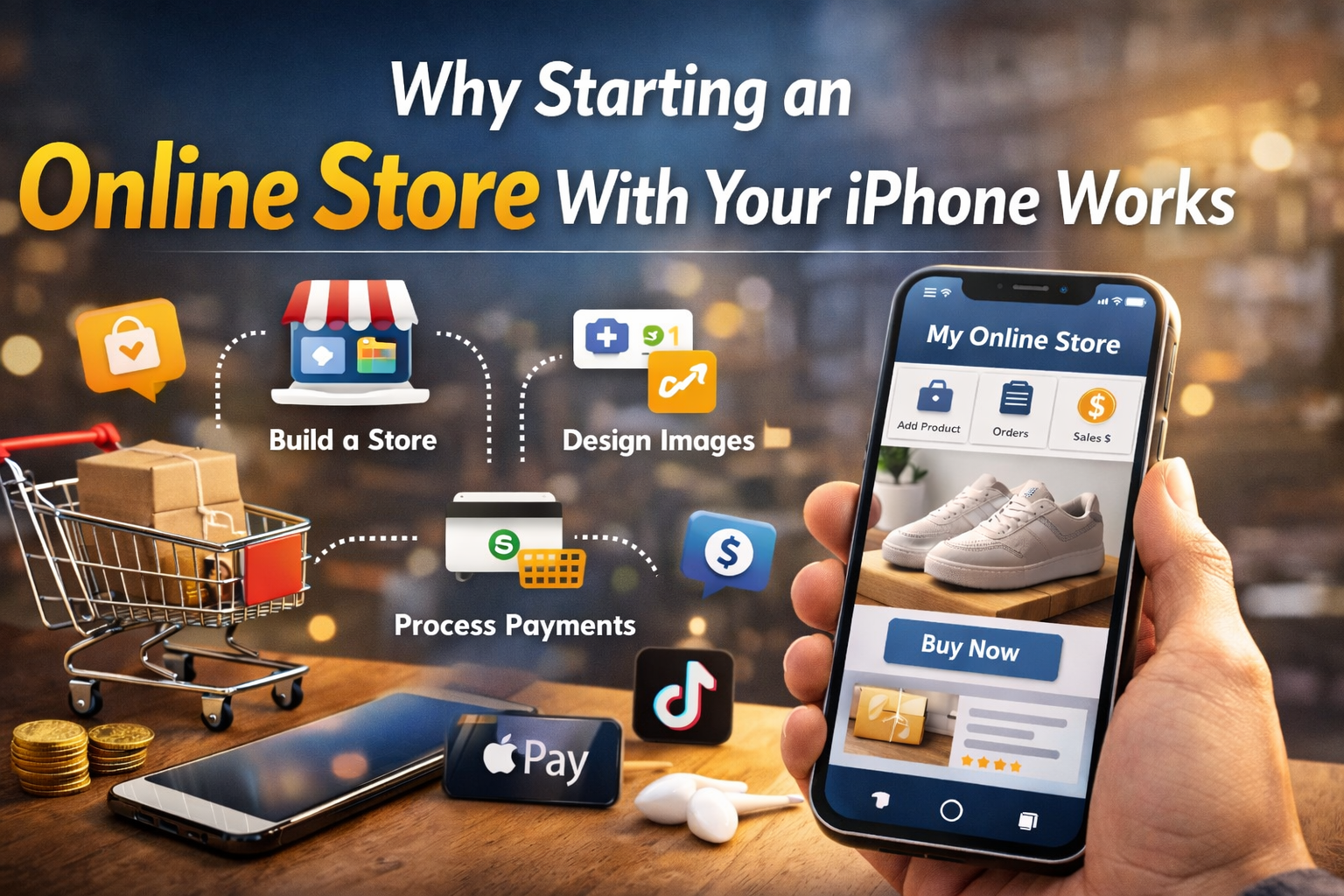
Smartphones today are powerful. You can:
- Build a Shopify store
- Design product images
- Process payments
- Manage inventory
- Run social media marketing
- Track sales analytics
All from one device.
Mobile eCommerce is growing fast because customers shop directly from social media platforms like Instagram, TikTok, and Facebook. Running your business from your phone lets you respond faster and manage everything on the go.
Step 1: Choose What to Sell
Before creating your online store, you need a product.
Here are beginner-friendly options:
1. Physical Products
- Print-on-demand (t-shirts, mugs)
- Handmade crafts
- Trending products from suppliers
- Local products
2. Digital Products
- E-books
- Printable planners
- Phone wallpapers
- Online courses
3. Dropshipping
With dropshipping, you don’t keep inventory. A supplier ships products directly to customers.
This is one of the easiest ways to start an online store using only your iPhone.
Pro Tip:
Use apps like TikTok, Amazon, and Etsy to research trending products.
Step 2: Pick an eCommerce Platform (Mobile-Friendly)
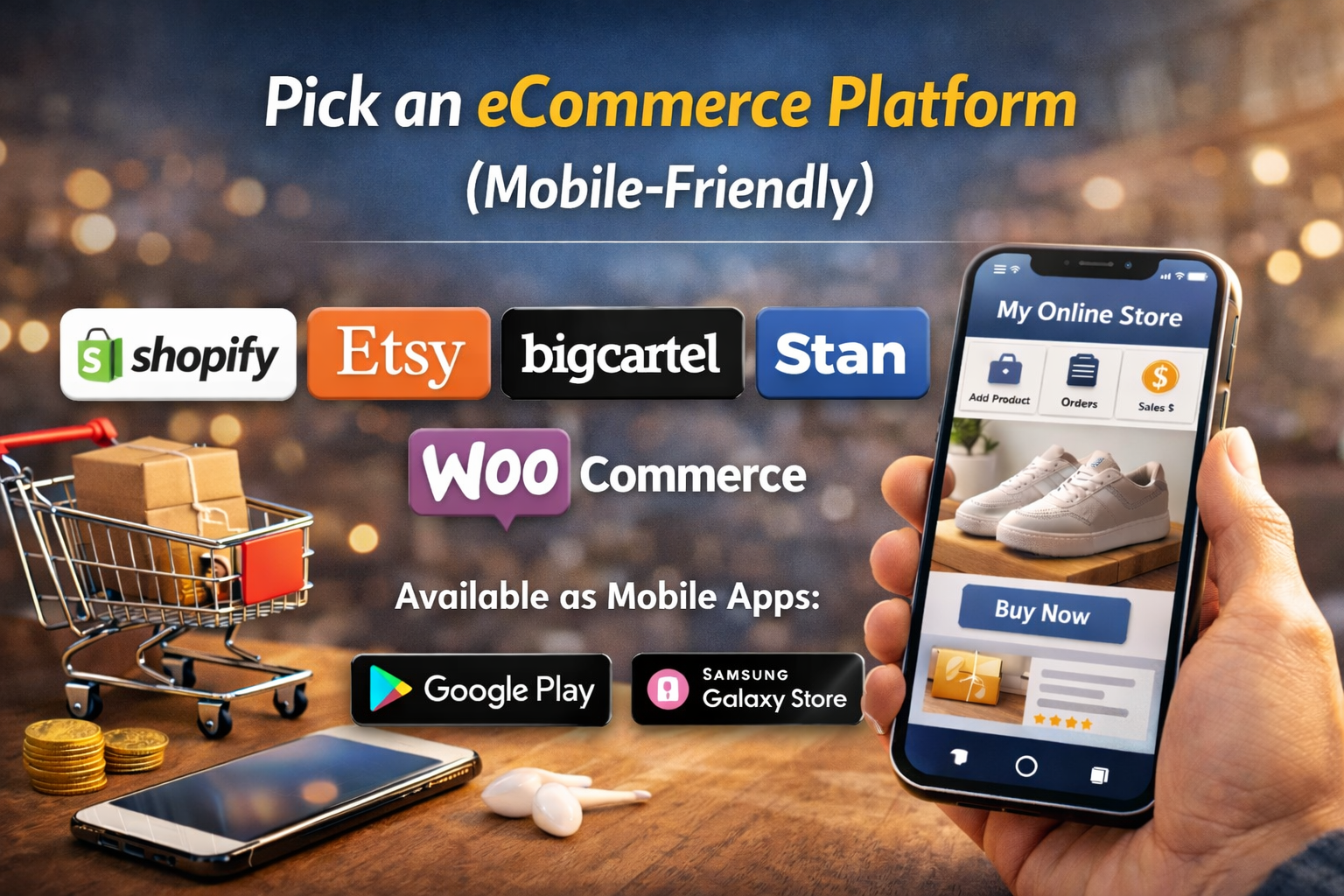
To launch your online store, choose a platform with a strong mobile app.
Top platforms for iPhone users:
- Shopify (best overall)
- Etsy (great for handmade)
- Big Cartel
- Stan Store (for digital products)
- WooCommerce (if using WordPress)
Most platforms allow full store setup from mobile.
If you’re serious about building a scalable eCommerce business, Shopify is a strong choice because its mobile app lets you:
- Add products
- Manage orders
- Track revenue
- Edit themes
Step 3: Register Your Store and Domain
Here’s how to do it:
- Download your chosen platform’s app.
- Create an account.
- Choose your store name.
- Buy a domain name (optional but recommended).
- Select a clean, simple theme.
Keep your store name:
- Short
- Easy to spell
- Brandable
Example:
Instead of “BestAffordableFashionProducts2026,” choose “UrbanNest.”
Step 4: Create High-Converting Product Listings
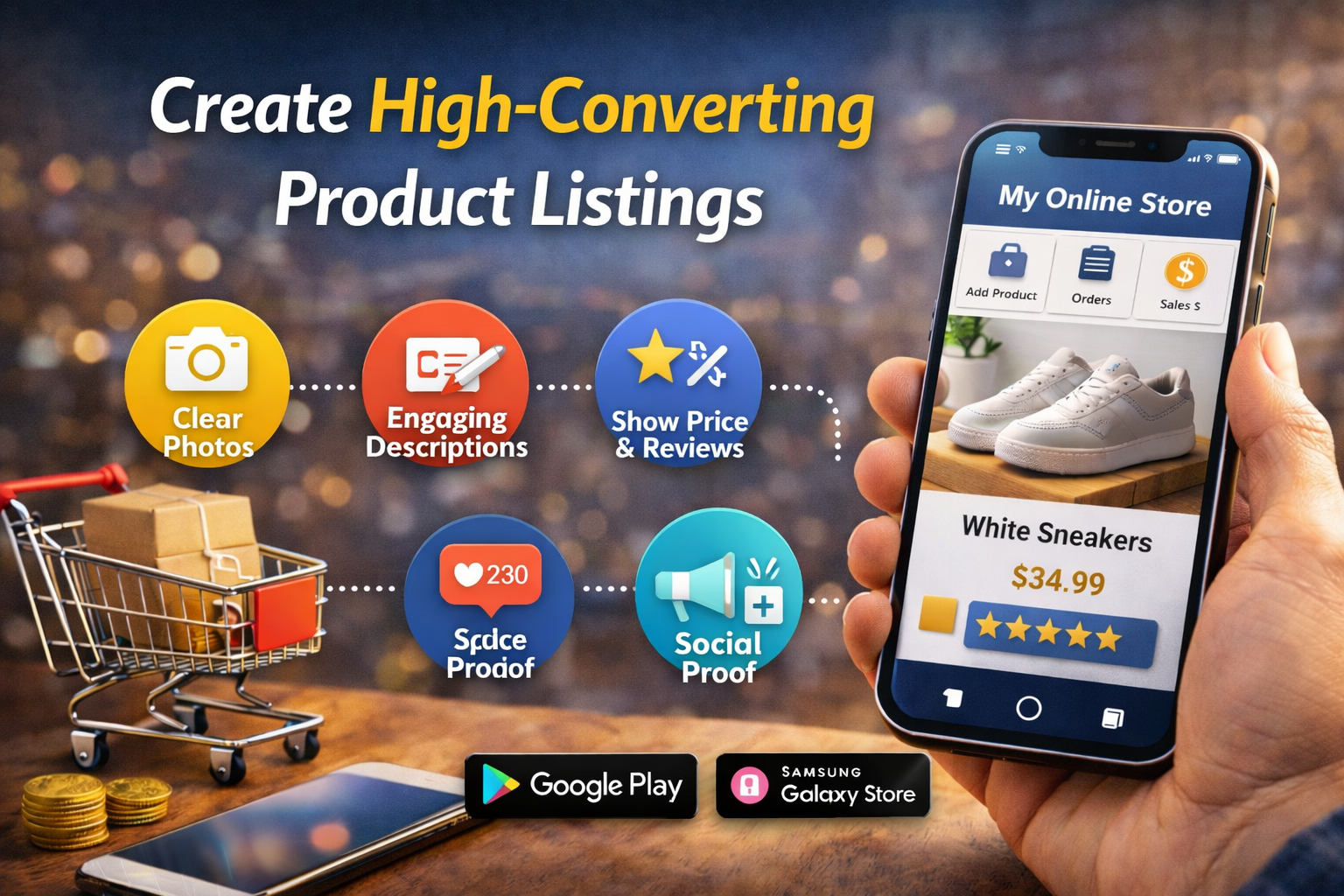
Your product page is where sales happen.
Here’s what to include:
Product Title
Use clear keywords.
Example:
“Minimalist Leather Wallet for Men”
Product Description
Follow this structure:
- Problem
- Solution
- Benefits
- Features
- Call to action
Keep sentences short and easy to read.
Product Images
You can:
- Take photos with your iPhone
- Edit using Canva
- Use supplier images (for dropshipping)
High-quality images increase conversions dramatically.
Step 5: Set Up Payments and Shipping
To accept payments, connect:
- Stripe
- PayPal
- Apple Pay
- Shop Pay
Make checkout simple.
For shipping:
- Use flat-rate pricing for simplicity.
- Offer free shipping if possible (customers love it).
If dropshipping, your supplier handles shipping automatically.
Step 6: Market Your Online Store Using Your iPhone
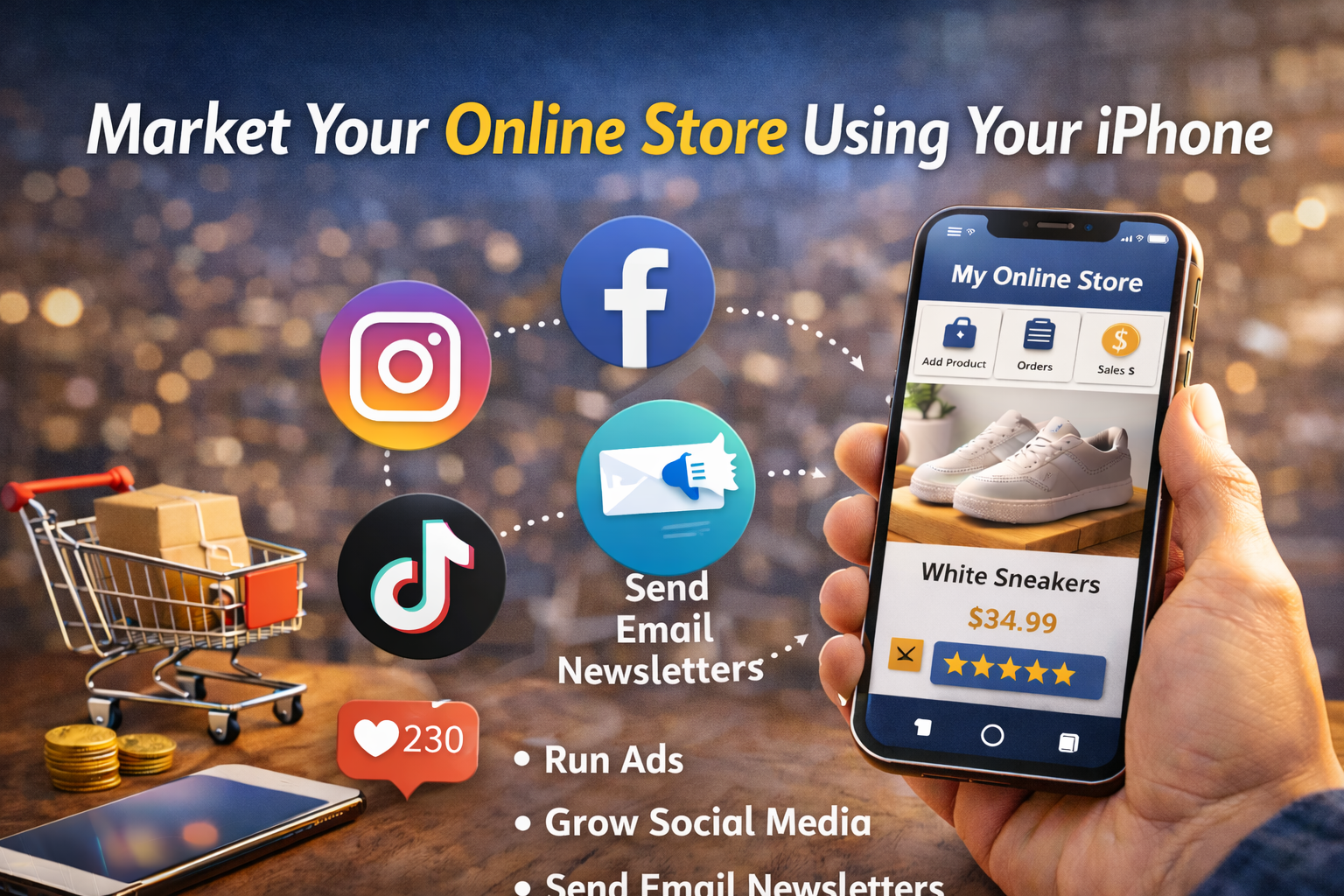
This is where most beginners fail.
Building the store is easy. Driving traffic is the real game.
Here are mobile-friendly marketing methods:
1. TikTok Marketing
Post:
- Product demos
- Behind-the-scenes videos
- Customer reactions
Short videos can go viral fast.
2. Instagram Reels
Use trending sounds.
Add product links in bio.
3. Facebook Marketplace
List your products locally.
4. Pinterest
Great for long-term traffic, especially for digital products.
5. Influencer Marketing
Message small creators and offer free products for promotion.
Consistency beats perfection.
Step 7: Automate and Scale
Once sales start coming in, focus on automation.
Use apps for:
- Email marketing (Klaviyo, Mailchimp)
- Order tracking
- Inventory management
- Customer service chatbots
This allows you to run your online store using only your iPhone without feeling overwhelmed.
How Much Does It Cost to Start?
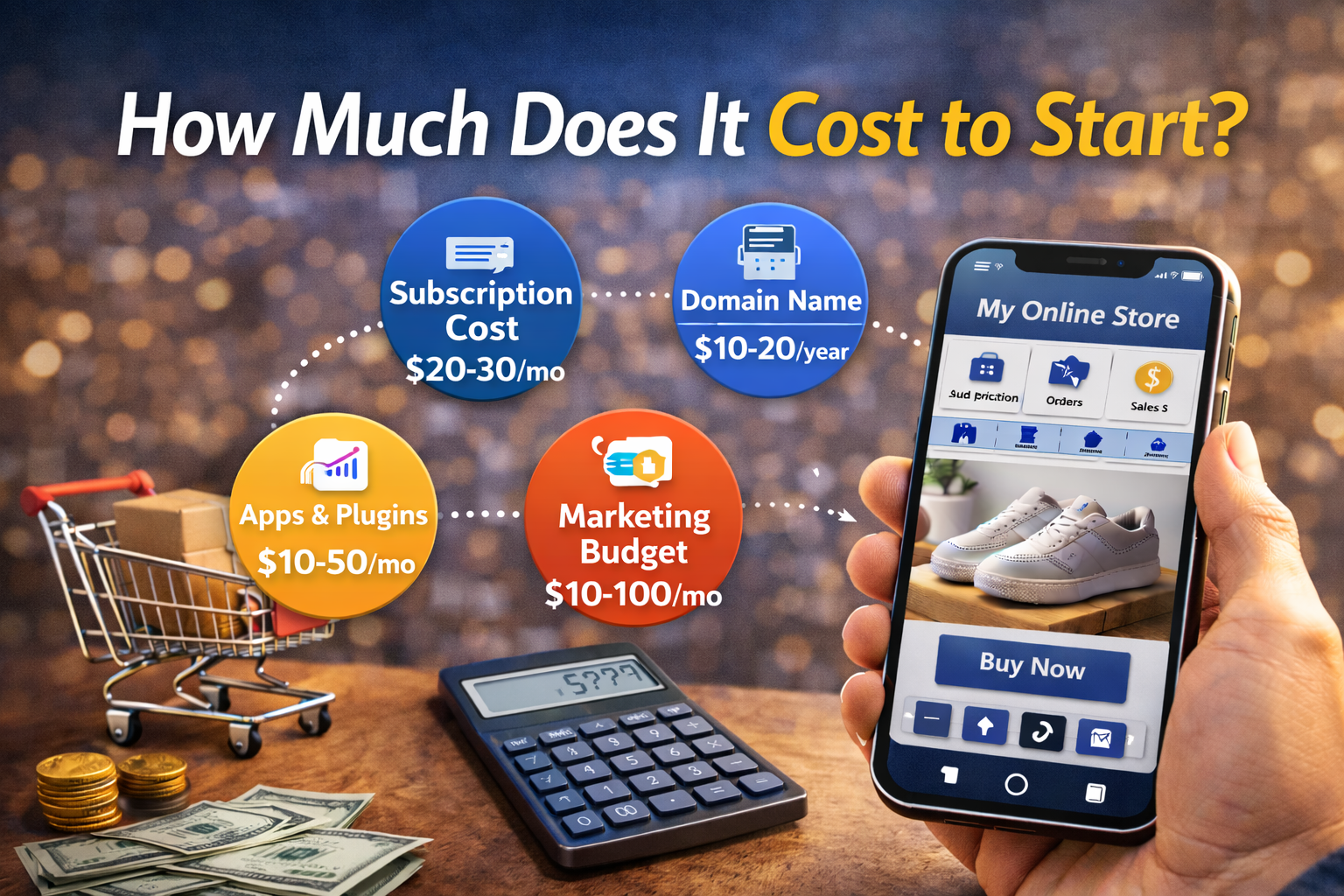
You can start with:
- $0–$50 for basic setup
- $29/month for Shopify (if chosen)
- Free social media marketing
Dropshipping and digital products require the lowest startup cost.
Common Mistakes to Avoid
Avoid these beginner errors:
- Choosing random products without research
- Using low-quality images
- Writing weak product descriptions
- Ignoring customer service
- Giving up too early
Building a profitable mobile business takes patience.
Can You Really Run an eCommerce Business From Your Phone?
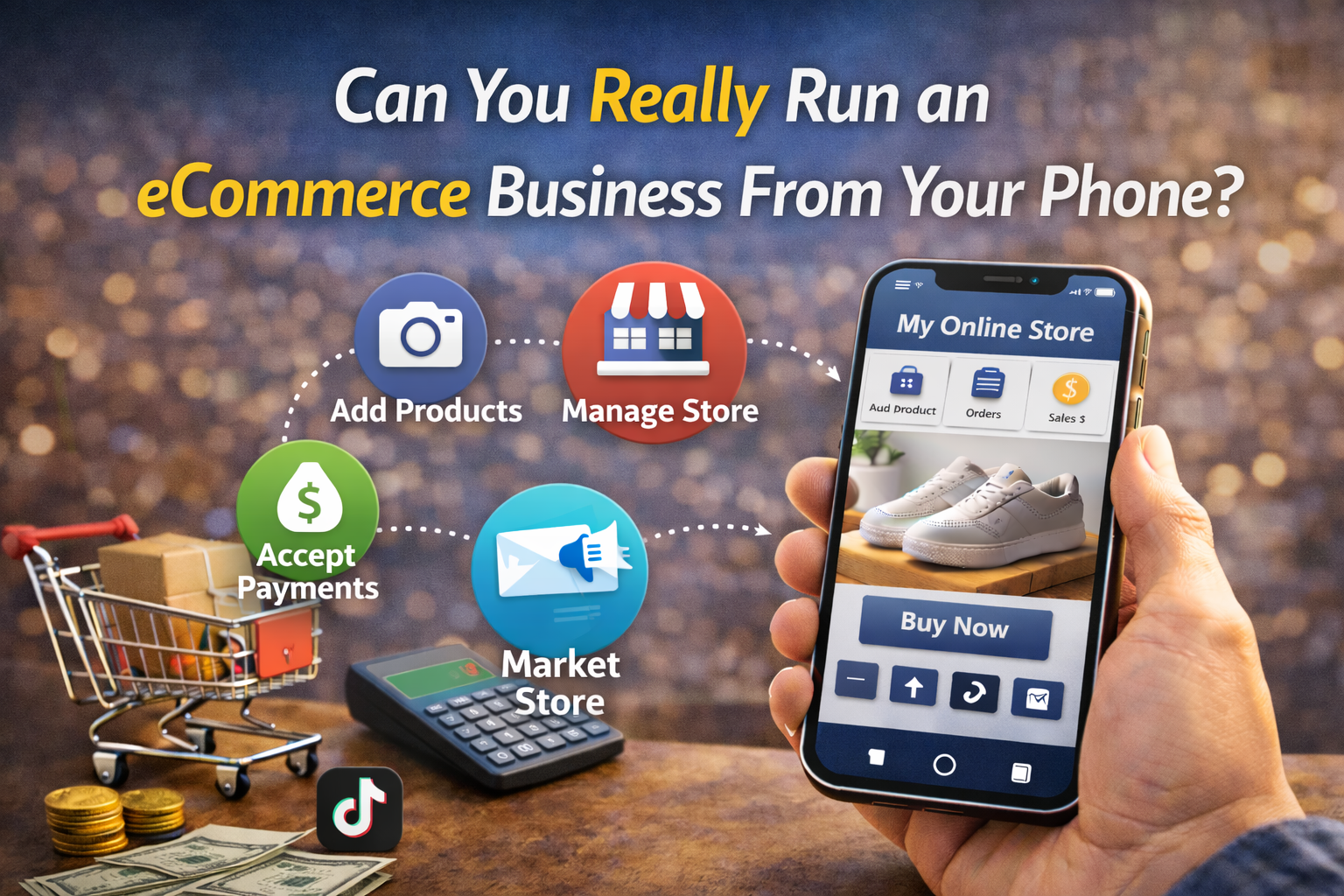
Yes and many entrepreneurs already do.
The key advantages:
- Low startup cost
- Location freedom
- Flexible schedule
- Full business control
Your iPhone is more than a device. It’s a business tool.
FAQ: Starting an Online Store Using Only Your iPhone
1. Can I start an online store without a laptop?
Yes. Most modern eCommerce platforms have powerful mobile apps that allow full store management.
2. What is the easiest online store to start on iPhone?
Shopify and Etsy are beginner-friendly and fully mobile optimized.
3. How do I get customers to my online store?
Use TikTok, Instagram Reels, Pinterest, and influencer marketing to drive traffic.
4. Is dropshipping good for beginners?
Yes. Dropshipping removes inventory risk and allows you to start with minimal investment.
5. How long does it take to make money?
Some stores make sales in weeks. Others take months. Success depends on product choice and marketing effort.
Final Thoughts: Your iPhone Is Your Business Partner
If you’ve been waiting for the “perfect time” to start a business, this is it.
You don’t need expensive equipment.
You don’t need an office.
You don’t need technical skills.
You can start an online store using only your iPhone today.
Take action now:
- Choose your product.
- Download a store app.
- Launch within 48 hours.
- Post your first marketing video.
Your future online business is already in your pocket. Start now.