Fix Android Overheating Problem Without Root (Complete Beginner Guide)
Android phones are powerful, but many users face one common issue: overheating. If your phone feels hot, drains battery fast, or slows down, you are not alone. The good news is that you can fix Android overheating problem without root, safely and easily.
In this guide, you will learn step-by-step solutions that work for beginners and normal users. No technical skills, no risky rooting, and no data loss.
What Is Android Overheating?

Android overheating happens when your phone’s temperature rises above normal levels. A slightly warm phone is normal, but excessive heat is not.
Normal vs Overheating
- Normal temperature: Slightly warm during charging or gaming
- Overheating: Very hot to touch, lagging, battery draining fast, auto shutdown
If ignored, overheating can damage your battery, screen, and internal components.
Common Causes of Android Overheating
Before fixing the problem, it’s important to understand why your Android phone overheats.
1. Heavy App Usage
Games, video editing apps, and social media apps running for long periods can stress the CPU and GPU.
2. Background Apps
Apps running silently in the background consume resources and generate heat.
3. Poor Network Signal
When your phone struggles to find a signal, it works harder and heats up.
4. Charging Issues
Using fast charging, low-quality cables, or charging while using the phone can cause overheating.
5. Environmental Heat
Using your phone under direct sunlight or hot weather increases temperature quickly.
Fix Android Overheating Problem Without Root (Step-by-Step)
Below are safe and effective methods to fix Android overheating without rooting your device.
1. Restart Your Phone (Quick Fix)
This is the simplest but most effective step.
Steps:
- Press and hold the Power button
- Tap Restart
- Wait for the phone to reboot
Real-world example:
Many users notice their phone cools down immediately after restarting because stuck background processes are cleared.
2. Close Background Apps Properly
Apps running in the background are a major cause of overheating.
Steps:
- Open Recent Apps
- Swipe away all unused apps
- Avoid using task killer apps (they often worsen the problem)
Tip:
Apps like Facebook, Instagram, and TikTok are known to cause heat when left running.
3. Reduce Screen Brightness and Screen Time
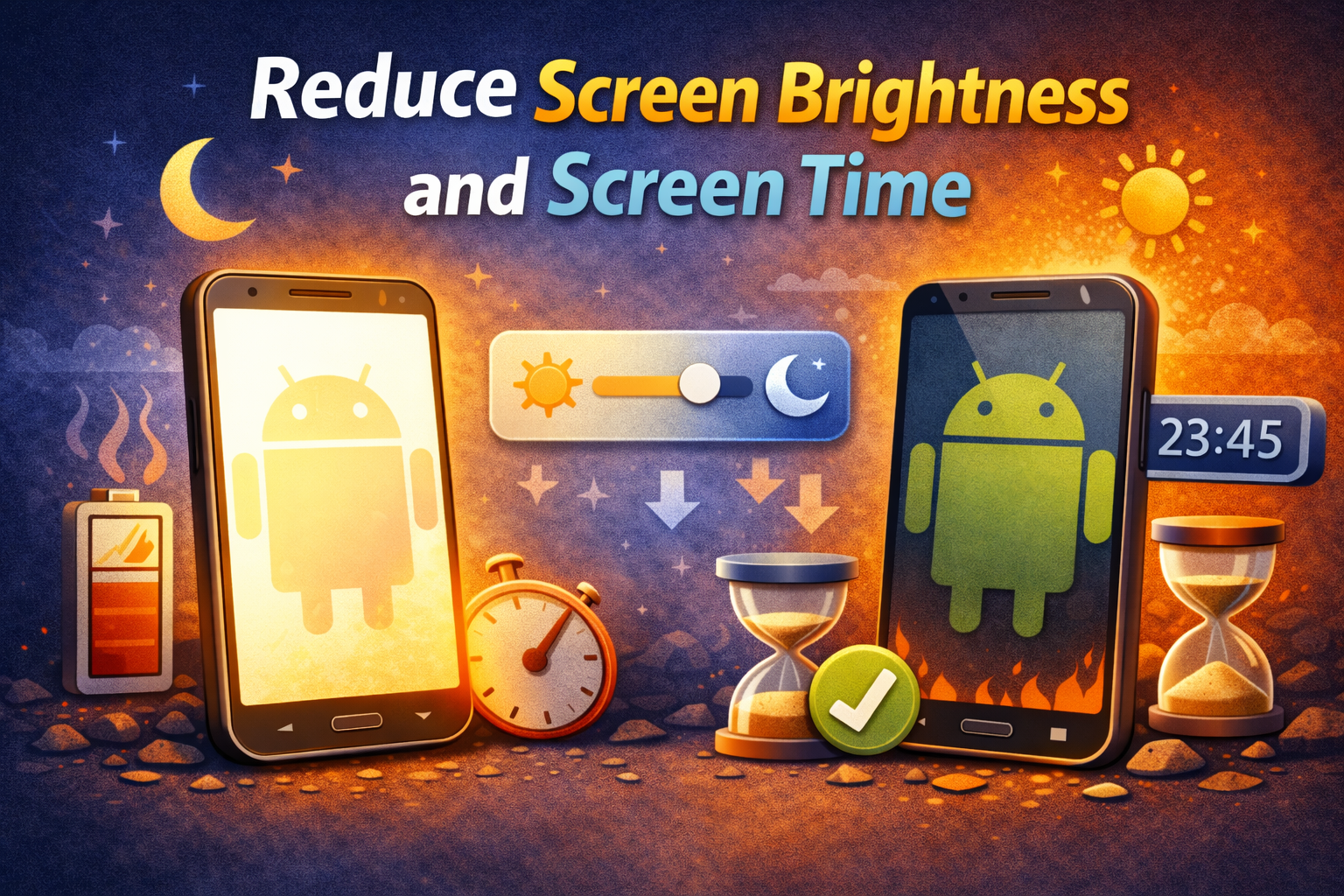
Your screen is one of the biggest heat producers.
Steps:
- Go to Settings
- Tap Display
- Lower Brightness
- Enable Adaptive Brightness (if available)
Real-world example:
Users who reduce brightness while watching videos report noticeable temperature drops within minutes.
4. Uninstall or Disable Problematic Apps
Some apps are poorly optimized and cause overheating.
How to find them:
- Go to Settings > Battery
- Check which apps use the most power
- Uninstall or disable suspicious apps
Apps commonly causing heat:
- Heavy games
- Fake cleaner apps
- Old or outdated apps
5. Update Your Android System and Apps

Outdated software can cause bugs that lead to overheating.
Steps:
- Go to Settings > Software Update
- Install the latest update
- Open Play Store and update all apps
Why this helps:
Updates often include bug fixes and performance improvements that reduce heat.
6. Avoid Using Phone While Charging
This is one of the biggest mistakes users make.
Why it’s bad:
- Charging already generates heat
- Using the phone adds extra load
- Combined heat causes overheating
Best practice:
- Let the phone charge without using it
- Remove thick phone cases while charging
7. Check Charging Accessories
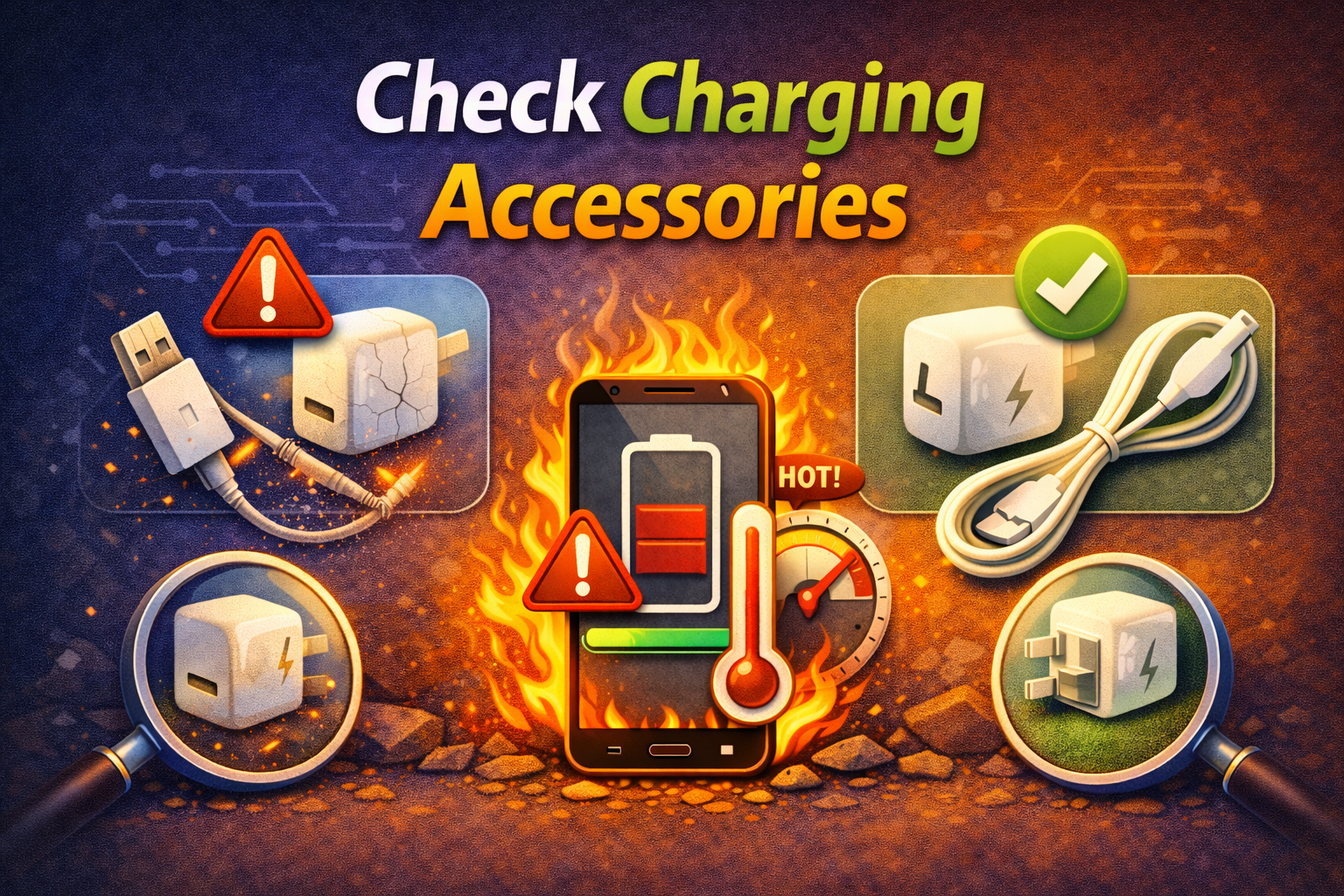
Low-quality chargers and cables are dangerous.
What to do:
- Use the original charger
- Avoid cheap fast chargers
- Replace damaged cables
Real-world example:
Many overheating cases are solved simply by switching back to the original charger.
8. Turn Off Unused Features (Wi-Fi, Bluetooth, GPS)
These features constantly work in the background.
Steps:
- Swipe down Quick Settings
- Turn off:
- Bluetooth
- GPS
- Hotspot
- Mobile data (if not needed)
This reduces background activity and heat generation.
9. Avoid Direct Sunlight and Hot Environments
Environmental heat plays a big role.
Tips:
- Don’t leave your phone in a car
- Avoid using it under direct sunlight
- Keep it in a cool, shaded place
10. Remove or Change Your Phone Case

Some phone cases trap heat.
Recommendation:
- Remove the case temporarily
- Use thin or ventilated cases
- Avoid rubber or thick cases during gaming or charging
Advanced But Safe Tips (No Root Required)
Enable Battery Saver Mode
- Limits background activity
- Reduces CPU usage
- Helps keep temperature stable
Clear Cache Partition (If Available)
Some phones allow clearing system cache without root.
Signs That Overheating Is Fixed
After applying these solutions, you should notice:
- Phone feels cooler
- Battery lasts longer
- Apps run smoother
- No random shutdowns
If overheating continues even after all fixes, it may indicate battery or hardware damage, and professional service is recommended.
Frequently Asked Questions (FAQ)
1. Is Android overheating dangerous?
Yes. Long-term overheating can damage the battery, reduce lifespan, and cause performance issues.
2. Can overheating damage my phone permanently?
Yes, especially the battery and internal components if ignored for a long time.
3. Does factory reset fix Android overheating?
Sometimes. It helps if the cause is software-related, but it should be a last resort.
4. Should I install cooling apps?
No. Most cooling apps run in the background and can actually make overheating worse.
5. How hot is too hot for an Android phone?
If the phone is uncomfortable to touch or shows temperature warnings, it’s too hot and should be cooled immediately.
Conclusion
Overheating is a common but fixable Android problem. You don’t need root access or risky modifications to solve it. By following this guide, you can fix Android overheating problem without root using safe, beginner-friendly methods.
Simple actions like closing background apps, avoiding phone use while charging, and keeping your device updated can make a huge difference. Take care of your phone, and it will perform better, last longer, and stay cool.