How to Check If Your ISP Is Throttling Your Internet
Slow internet can be incredibly frustrating—especially when you’re paying for a fast plan. One common reason for sudden or ongoing slow speeds is ISP throttling. If you’ve ever wondered whether your internet service provider is intentionally slowing down your connection, this guide will help you find out.
In this beginner-friendly article, you’ll learn how to check if your ISP is throttling your internet, what signs to look for, and what steps you can take to confirm and fix the problem. Everything is explained in simple English, with real-world examples you can relate to.
What Is Internet Throttling?
Internet throttling happens when your ISP (Internet Service Provider) deliberately slows down your internet speed. This can affect:
- Streaming videos
- Online gaming
- Video calls
- File downloads
- Torrenting or cloud backups
ISPs usually throttle connections to manage network congestion, enforce data caps, or limit certain activities during peak hours.
Real-World Example
Imagine you can browse websites quickly, but Netflix buffers endlessly every evening. That’s a classic situation where throttling might be happening.
Why ISPs Throttle Internet Speeds
Understanding the reasons helps you identify whether throttling is likely in your case.
Common Reasons for ISP Throttling
- Peak-hour congestion (evenings and weekends)
- Exceeding monthly data limits
- High-bandwidth activities like streaming 4K or torrenting
- Network management policies
- Cheaper internet plans with speed limits
Some ISPs slow down specific services instead of your entire connection.
Signs Your ISP Might Be Throttling Your Internet
Before testing, look for these warning signs.
1. Internet Slows at Specific Times
If your connection is fast in the morning but slow every night, throttling during peak hours is possible.
2. Certain Apps Are Always Slow
- Streaming apps buffer
- Torrents crawl
- Video calls lag
…but normal browsing feels fine.
3. Speed Is Lower Than Your Plan Promises
You pay for 100 Mbps but only get 10–20 Mbps consistently.
4. Speed Drops After Heavy Usage
After large downloads or binge-watching, your internet suddenly slows.
How to Check If Your ISP Is Throttling Your Internet (Step-by-Step)
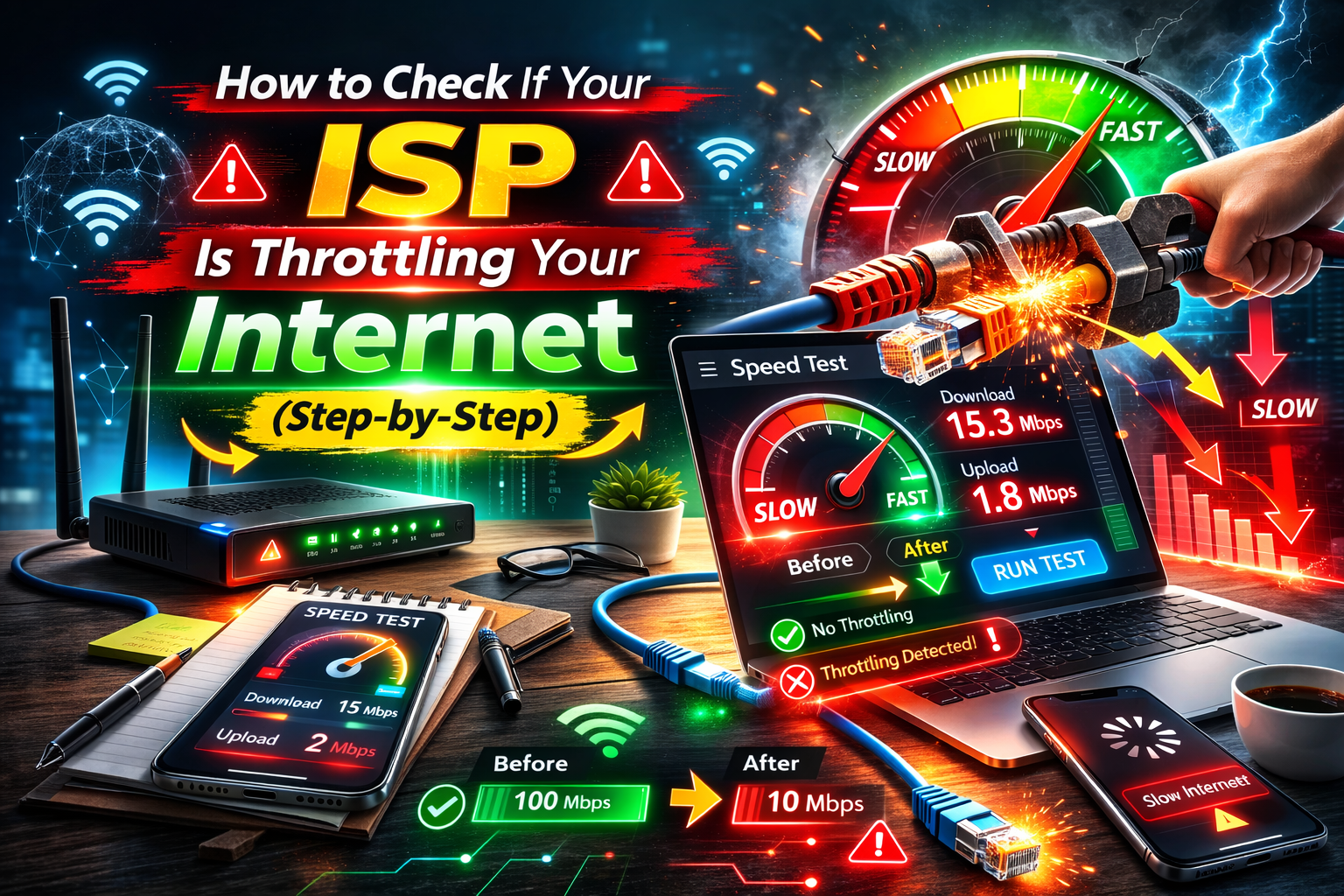
Step 1: Run a Basic Speed Test
Use a trusted speed test website or app.
What to do:
- Connect directly to your Wi-Fi or Ethernet
- Close background apps
- Run the test
What to check:
- Download speed
- Upload speed
- Ping (latency)
Run the test 3 times and note the average.
Step 2: Test at Different Times of Day
Run speed tests:
- Morning
- Afternoon
- Evening
- Late night
If speeds drop heavily at the same time every day, throttling or congestion is likely.
Step 3: Test Different Activities
Compare speeds while:
- Browsing websites
- Streaming video
- Downloading files
- Using torrents
If only certain activities are slow, your ISP may be throttling specific services.
Step 4: Restart Your Router and Modem
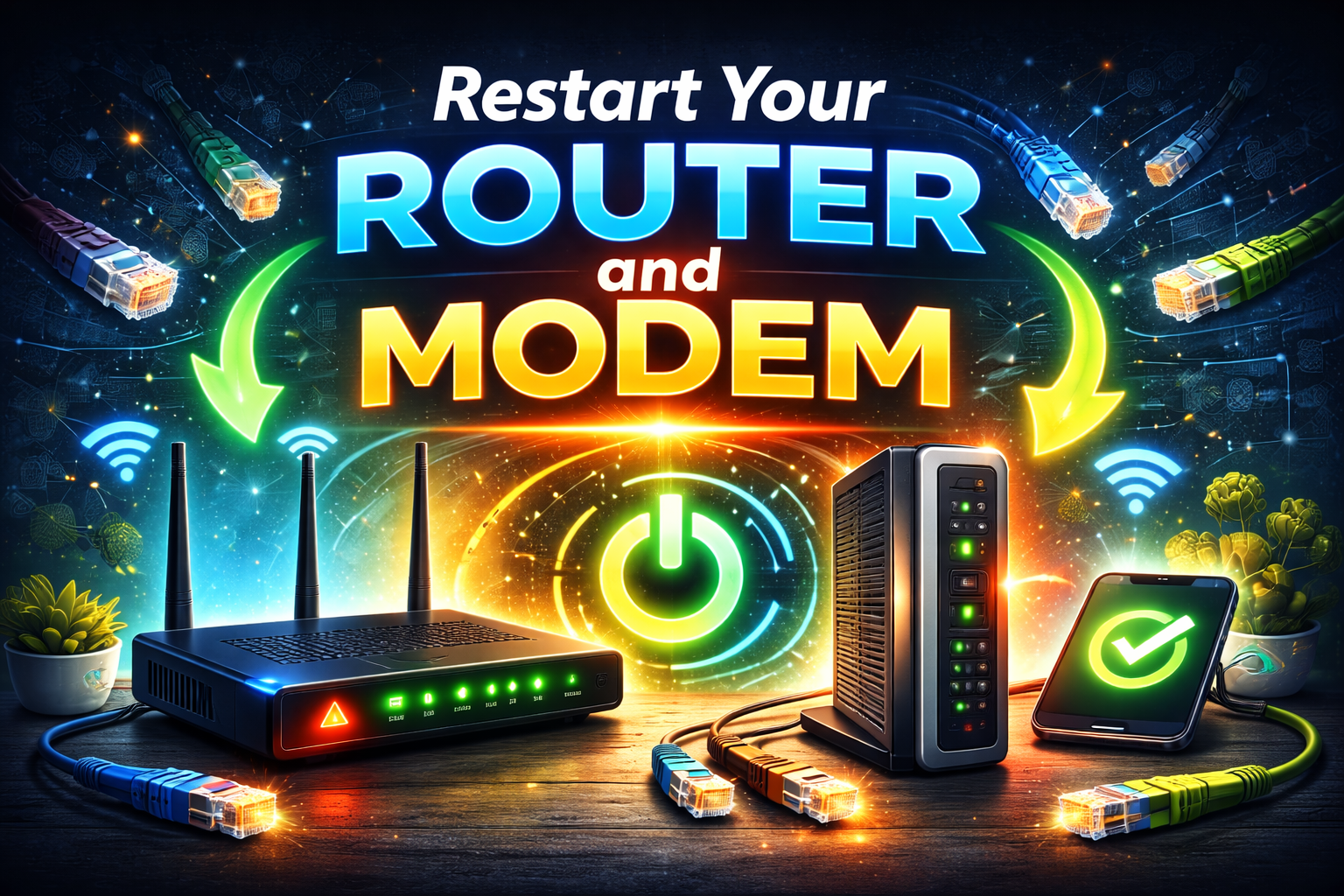
Before blaming your ISP, rule out simple issues.
- Turn off modem and router
- Wait 60 seconds
- Turn them back on
- Test speed again
Sometimes this alone fixes slow speeds.
Step 5: Test With a VPN (Very Important)
This is one of the best ways to check if your ISP is throttling your internet.
Why it works:
A VPN encrypts your traffic, hiding what you’re doing from your ISP.
What to do:
- Run a speed test without a VPN
- Turn on a VPN
- Run the same test again
Results interpretation:
- Faster speed with VPN → strong sign of throttling
- Same speed → throttling unlikely
Step 6: Compare Wired vs Wireless Speeds
Connect your computer directly to the router using an Ethernet cable.
- If wired is fast but Wi-Fi is slow → Wi-Fi issue
- If both are slow → ISP issue
Step 7: Check Your Data Usage
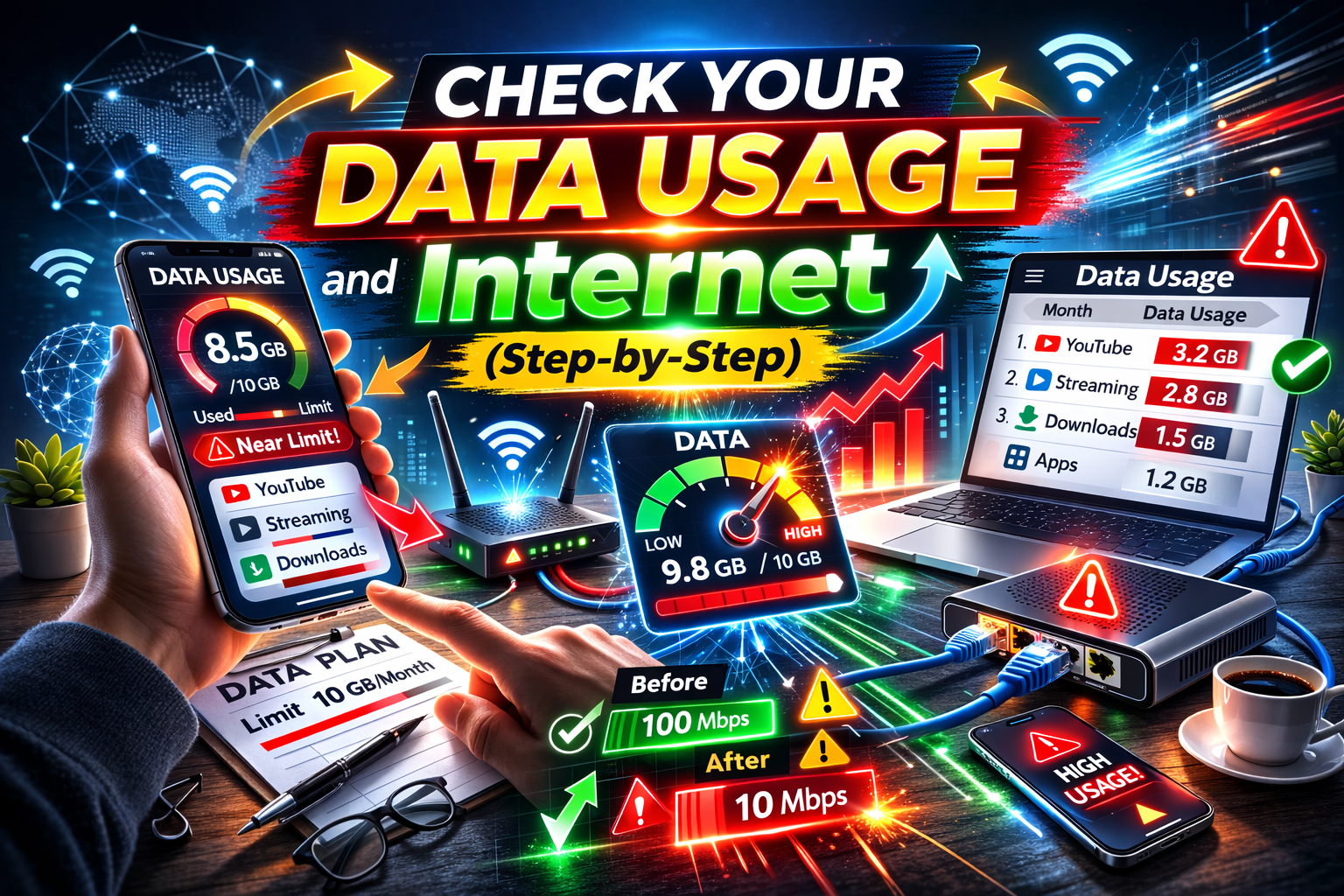
Log in to your ISP account and check:
- Monthly data usage
- Fair usage policies
- Speed reduction notices
Some ISPs throttle users after reaching a data limit.
How to Tell Throttling Apart From Other Problems
Not all slow internet is throttling. Here’s how to avoid false alarms.
Throttling vs Wi-Fi Issues
| Problem | Likely Cause |
|---|---|
| Slow only far from router | Weak Wi-Fi signal |
| Slow on all devices | ISP or modem |
| Slow only at night | Throttling or congestion |
Throttling vs Device Problems
- Old phones or laptops can slow speeds
- Malware can eat bandwidth
- Background updates reduce speed
Always test on multiple devices.
What to Do If Your ISP Is Throttling Your Internet
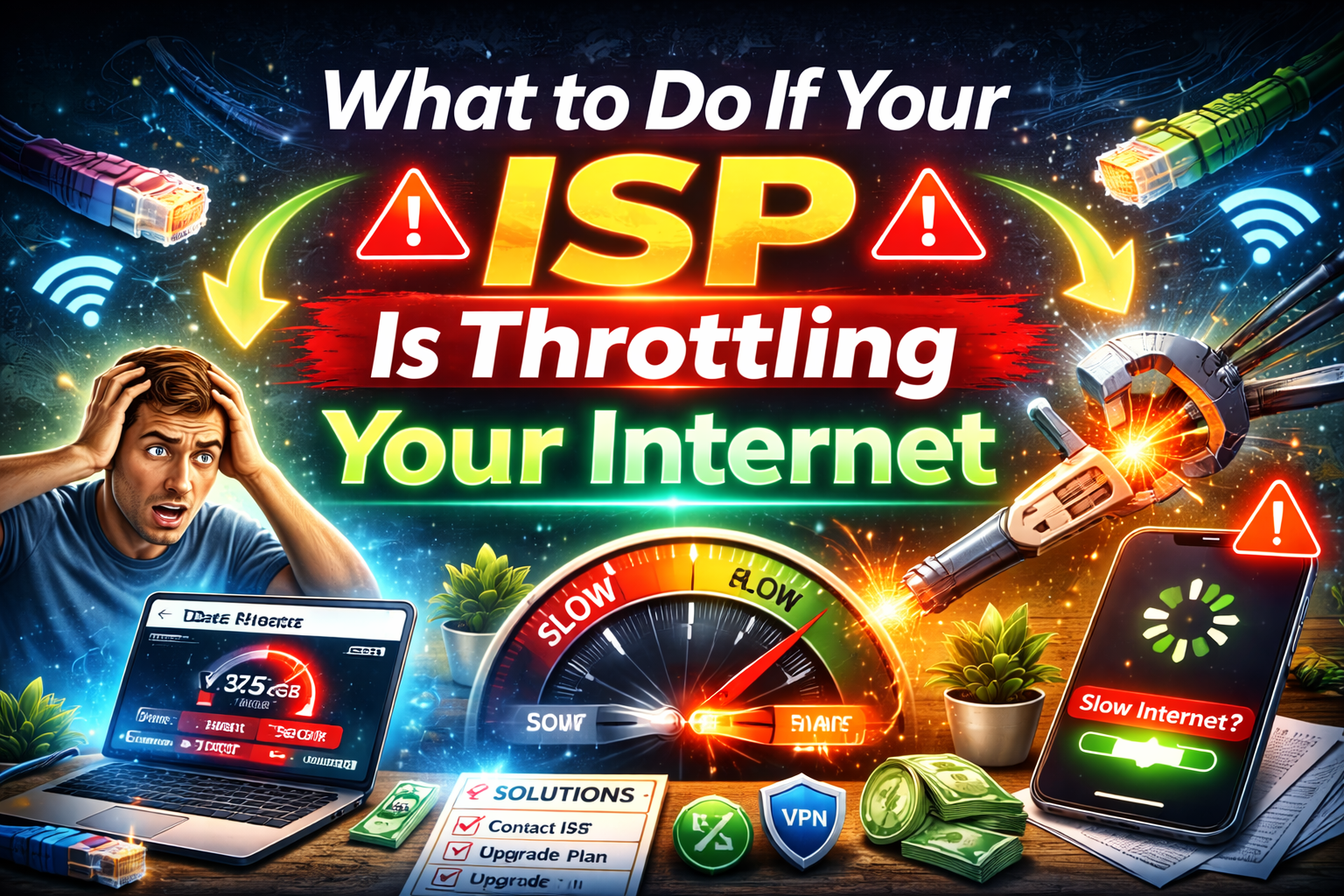
1. Use a Reliable VPN
A VPN can:
- Hide your activity
- Bypass throttling
- Improve streaming speeds
This is a short-term and long-term solution for many users.
2. Change Your Internet Usage Time
Download large files or stream in:
- Early mornings
- Late nights
Avoid peak hours when throttling is common.
3. Upgrade Your Internet Plan
Some plans have:
- Low priority traffic
- Strict data caps
Upgrading may remove throttling limits.
4. Contact Your ISP
Ask directly:
- Do you throttle speeds?
- Are there data caps?
- Are there peak-hour limits?
Sometimes ISPs remove throttling after complaints.
5. Switch ISPs (If Possible)
If throttling is constant and unavoidable, changing providers may be the best option.
Common Myths About ISP Throttling
“ISPs Always Throttle Everyone”
False. Throttling usually targets:
- Heavy users
- Peak-hour traffic
- Specific services
“A VPN Always Slows Internet”
Not always. In throttling cases, VPNs can actually improve speed.
FAQ: ISP Throttling Explained
1. Is ISP throttling legal?
In many countries, yes—if it’s disclosed in the terms of service.
2. Can I prove my ISP is throttling me?
You can’t prove it legally, but VPN speed tests are strong evidence.
3. Does throttling affect gaming?
Yes. It can increase ping, lag, and disconnects.
4. Will resetting my router stop throttling?
No. It may help temporarily but won’t stop ISP policies.
5. How long does throttling usually last?
It can last:
- During peak hours
- Until the next billing cycle
- Until you reduce usage
Conclusion
Checking how to check if your ISP is throttling your internet doesn’t require advanced tech skills. By running speed tests, comparing peak and off-peak speeds, and testing with a VPN, you can quickly identify whether your ISP is slowing you down on purpose.
If throttling is confirmed, simple actions like using a VPN, adjusting usage times, or upgrading your plan can make a big difference. A fast, stable internet connection isn’t a luxury—it’s a necessity in today’s digital world.