How to Earn Money With iPhone by Selling eBooks
Introduction
What if your iPhone could become your personal money-making machine?
Many people think you need a laptop, special software, or advanced skills to make money online. But the truth is—you can start earning directly from your iPhone, even as a beginner.
One of the easiest and most profitable ways is selling eBooks. You don’t need to be a professional writer. You just need a simple idea, your iPhone, and the right strategy.
In this guide, you’ll learn how to earn money with iPhone by selling eBooks, step by step. Whether you want side income or passive income, this method is simple, scalable, and beginner-friendly.
Top Ways to Make Money Selling eBooks Using Your iPhone
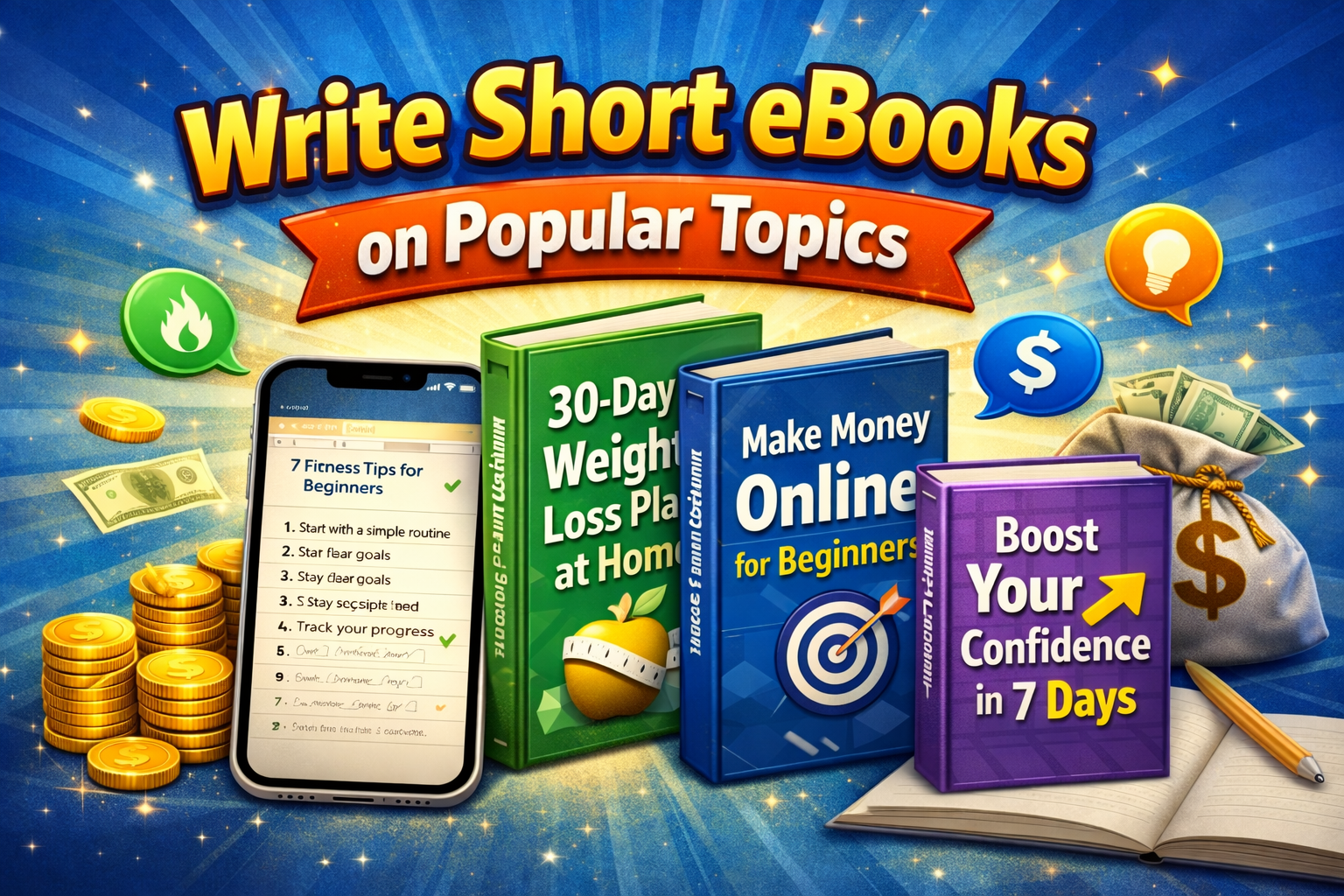
1. Write Short eBooks on Popular Topics
Explanation:
You don’t need to write a long novel. Short, helpful eBooks (10–30 pages) can sell very well.
Example:
A beginner writes an eBook titled “30-Day Weight Loss Plan at Home” and sells it on Amazon Kindle.
Tips to Get Started:
- Use your iPhone Notes app or Google Docs
- Choose trending topics like:
- Fitness
- Make money online
- Self-improvement
- Keep it simple and practical
2. Create “How-To” Guides
Explanation:
People love step-by-step guides that solve problems.
Example:
An eBook like “How to Start a TikTok Page from Zero” can attract beginners.
Tips:
- Focus on one clear problem
- Use bullet points and simple steps
- Add screenshots (taken from your iPhone)
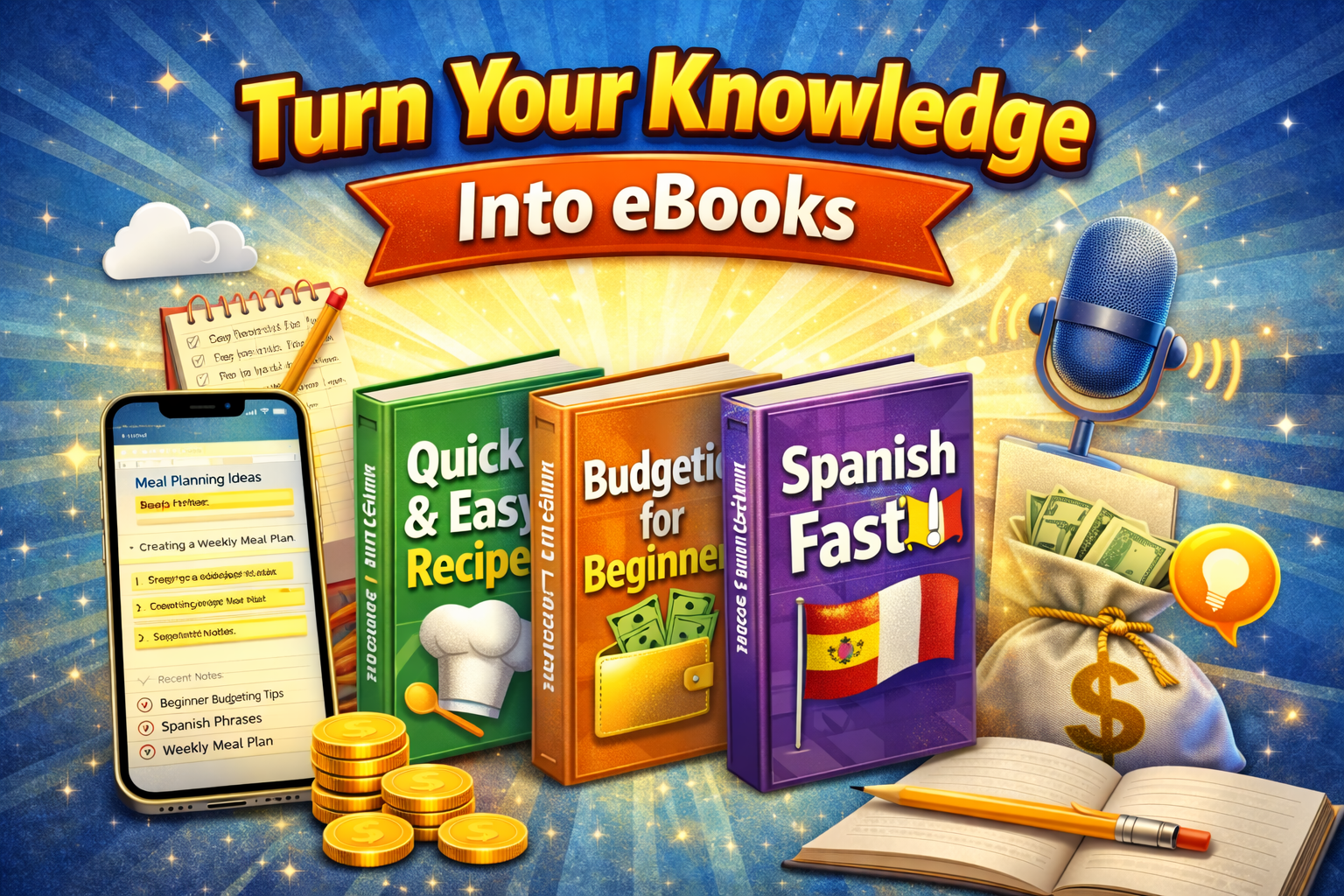
3. Turn Your Knowledge Into eBooks
Explanation:
If you know something—even basic skills—you can teach it.
Example:
- Cooking recipes
- Language learning tips
- Budgeting for beginners
Tips:
- Ask yourself: “What do people ask me for help with?”
- Record voice notes, then convert to text
- Use apps like Grammarly or ChatGPT for editing
4. Use AI Tools on iPhone to Speed Up Writing
Explanation:
AI tools can help you write faster and better.
Example:
You can outline and draft your eBook using AI apps directly on your iPhone.
Tips:
- Use AI for ideas, not full content copy
- Always edit to add your personal touch
- Keep your tone natural and friendly
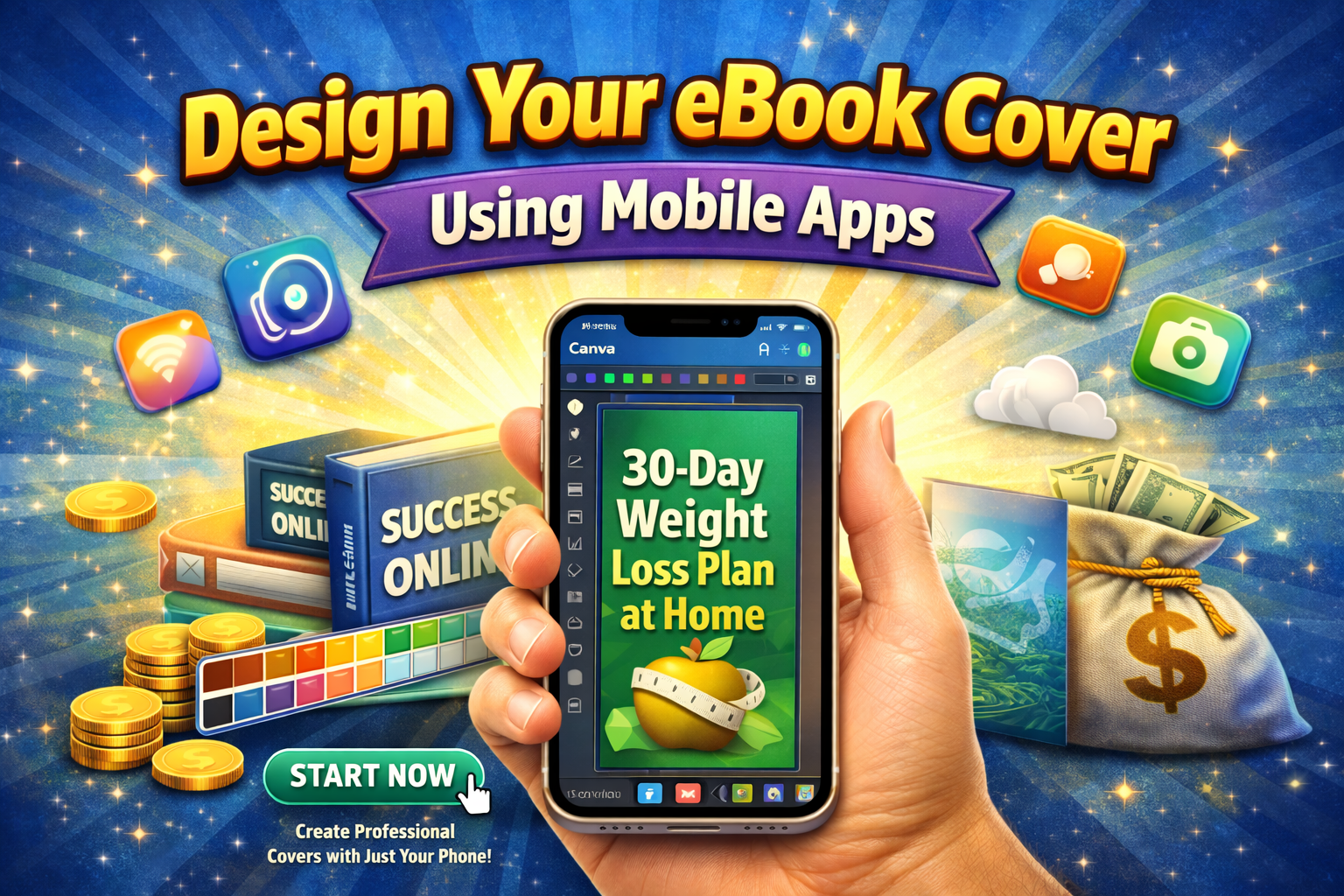
5. Design Your eBook Cover Using Mobile Apps
Explanation:
A great cover increases clicks and sales.
Example:
Use Canva on your iPhone to design a professional cover in minutes.
Tips:
- Use bold titles and bright colors
- Keep it simple and readable
- Add emotional or “power words”
6. Sell eBooks on Amazon Kindle (KDP)
Explanation:
Amazon Kindle Direct Publishing (KDP) is one of the easiest platforms to sell eBooks globally.
Example:
Upload your eBook from your iPhone browser and start earning royalties.
Tips:
- Use keywords in your title and description
- Price your eBook between $2.99–$9.99
- Choose the right category
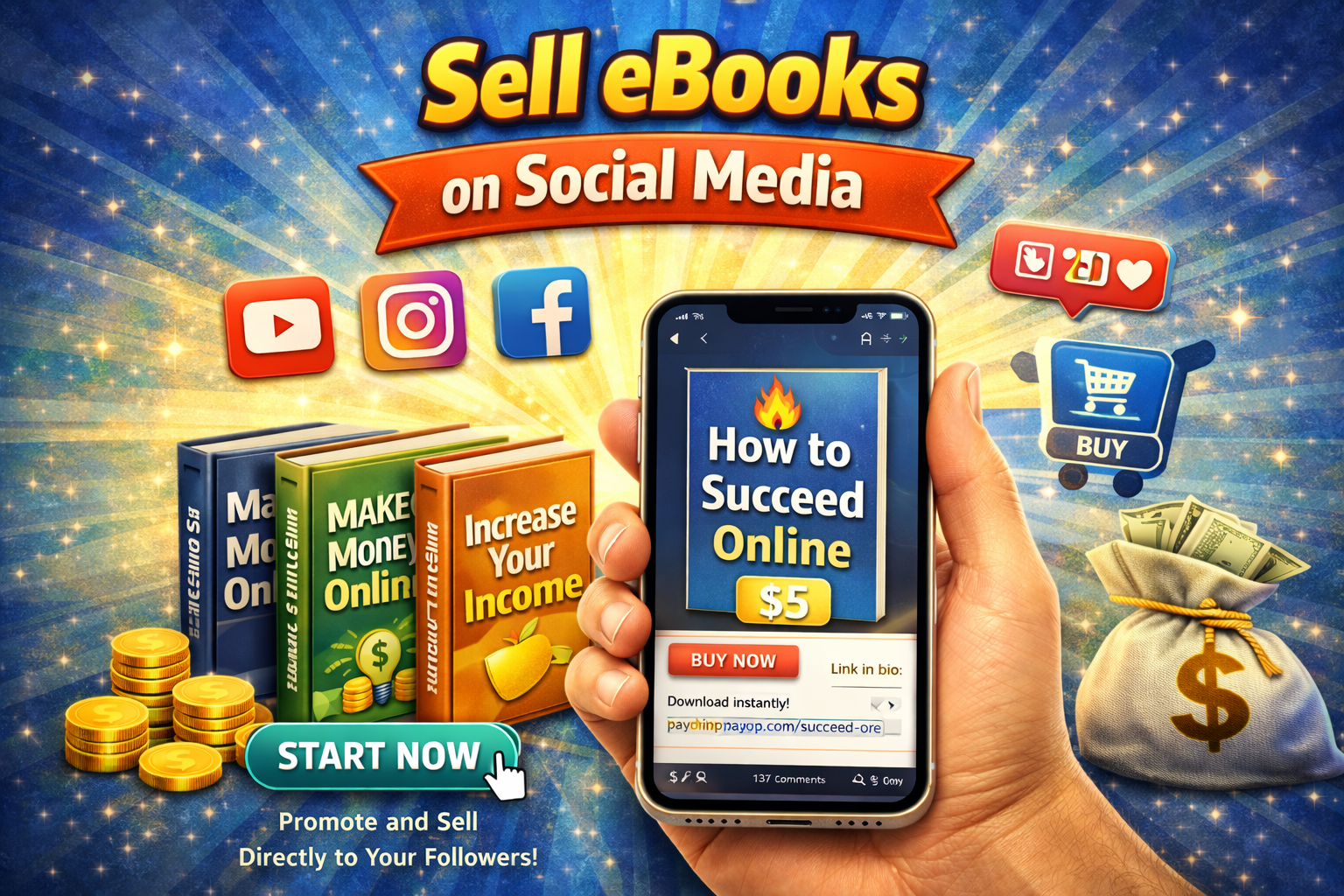
7. Sell eBooks on Social Media
Explanation:
You don’t need a platform—sell directly through Instagram, TikTok, or Facebook.
Example:
A creator promotes a $5 eBook on Instagram stories and gets daily sales.
Tips:
- Create short videos about your topic
- Add a payment link (PayPal, Gumroad)
- Show real value in your content
8. Bundle Multiple eBooks for Higher Profit
Explanation:
Selling bundles increases your earnings.
Example:
Instead of selling one eBook for $5, sell a bundle of 3 for $12.
Tips:
- Group related topics
- Offer a discount for bundles
- Promote as a “limited deal”
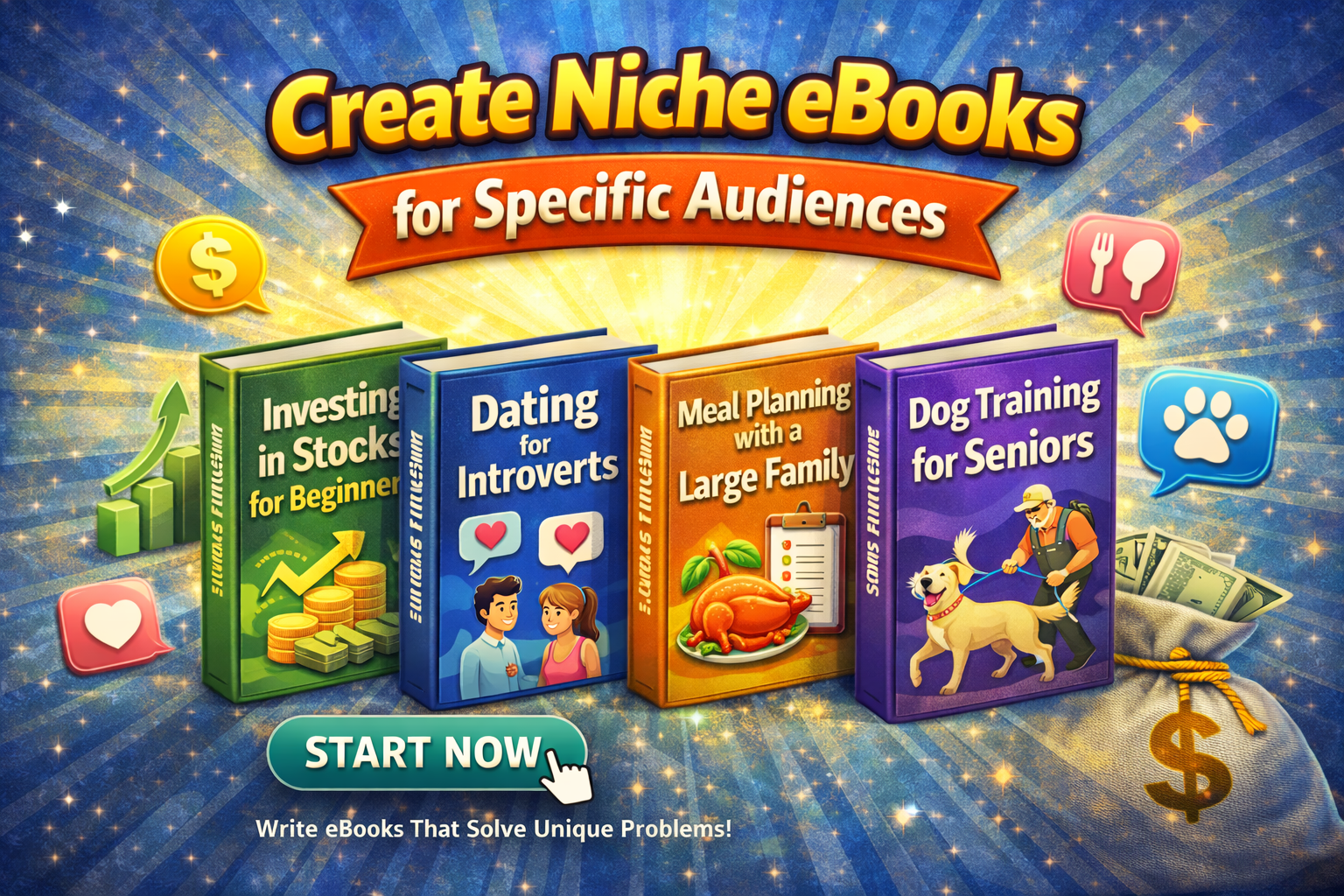
9. Create Niche eBooks for Specific Audiences
Explanation:
The more specific your audience, the easier it is to sell.
Example:
Instead of “Fitness Guide,” try “Fitness Guide for Busy Moms at Home.”
Tips:
- Focus on one group of people
- Use their language and problems
- Solve one main issue clearly
Pros and Cons of Selling eBooks Using an iPhone
Pros
- ✅ Low startup cost (almost free)
- ✅ Work from anywhere
- ✅ Passive income potential
- ✅ No inventory or shipping
- ✅ Easy to scale
Cons
- ❌ Takes time to see results
- ❌ Requires consistency
- ❌ Competition can be high
- ❌ Marketing is necessary
Tips to Maximize Earnings Using an iPhone
If you want to earn more, don’t just create—optimize and promote.
1. Focus on High-Demand Keywords
Use keywords like:
- “make money with iPhone”
- “sell eBooks online”
- “passive income ideas”
2. Keep Your Content Simple
Write in easy English so more people understand.
3. Use Social Media Daily
- Post tips related to your eBook
- Build trust before selling
- Use short videos (Reels/TikTok)
4. Offer Bonuses
Add extra value like:
- Free checklist
- Templates
- Worksheets
5. Collect Emails
Build a list of buyers and promote future eBooks.
6. Improve Your eBook Over Time
Update your content based on feedback.
Conclusion (Start Today and Take Action!)
Now you know exactly how to earn money with iPhone by selling eBooks.
You don’t need expensive tools. You don’t need expert skills. You just need:
- A simple idea
- Your iPhone
- Consistent action
Start small. Write your first short eBook today. Publish it. Promote it.
Remember, every successful seller started with one simple step.
👉 Your iPhone is not just for scrolling—it’s your income tool. Start creating and earning today!