Make Money With iPhone Through Video Editing Jobs
Introduction
Do you have an iPhone and some free time? That’s all you need to start earning money online today.
Many people think video editing requires expensive computers and complex software. But the truth is, your iPhone is powerful enough to create high-quality videos—and people are willing to pay for it.
With the rise of TikTok, YouTube Shorts, and Instagram Reels, businesses and creators are constantly looking for video editors. This means huge opportunities for beginners and intermediate users like you.
In this guide, you’ll learn how to make money with iPhone through video editing jobs, even if you’re just starting out. Let’s dive in.
9 Proven Ways to Make Money With iPhone Through Video Editing Jobs
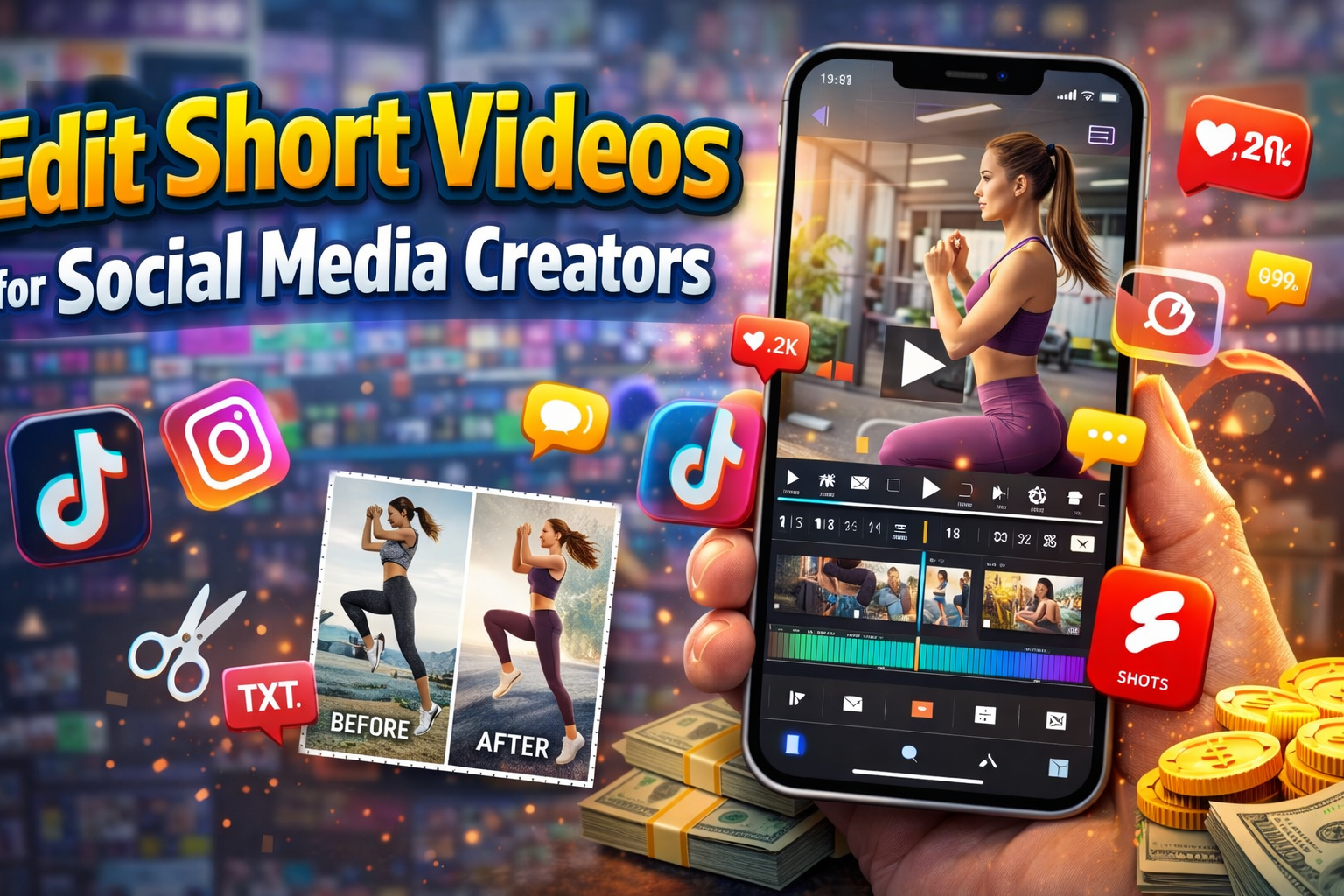
1. Edit Short Videos for Social Media Creators
What it is:
Help influencers edit TikTok, Instagram Reels, and YouTube Shorts.
Example:
A small fitness influencer needs daily Reels but doesn’t have time to edit. You step in and handle the editing.
Tips to get started:
- Use apps like CapCut, InShot, or VN Editor
- Offer your service on Fiverr or Upwork
- Start with low prices to build reviews
2. Create YouTube Videos for Clients
What it is:
Edit longer YouTube videos like vlogs, tutorials, or reviews.
Example:
A YouTuber sends you raw footage, and you turn it into a polished video with music, cuts, and transitions.
Tips to get started:
- Learn basic storytelling and pacing
- Use LumaFusion or iMovie for better control
- Offer packages (e.g., $20 per video)
3. Sell Pre-Made Video Templates

What it is:
Create video templates that others can reuse.
Example:
Design Instagram Reel templates for business promotions and sell them on platforms like Etsy.
Tips to get started:
- Focus on trending styles
- Create templates for niches (fitness, business, travel)
- Use CapCut templates to scale fast
4. Edit Ads for Small Businesses
What it is:
Help businesses create video ads for Facebook, TikTok, or Instagram.
Example:
A local clothing brand needs short product videos for ads—you create engaging edits with music and text.
Tips to get started:
- Study viral ads for inspiration
- Keep videos short (10–30 seconds)
- Highlight product benefits clearly
5. Offer Video Editing Services on Freelance Platforms

What it is:
Work as a freelance video editor using your iPhone.
Example:
Clients from around the world hire you on Fiverr, Freelancer, or Upwork.
Tips to get started:
- Create a strong profile with samples
- Use keywords like “mobile video editing” or “iPhone editor”
- Deliver quickly to get positive reviews
6. Start a TikTok or Reels Editing Agency
What it is:
Scale your work by managing multiple clients.
Example:
You handle editing for 3–5 creators and charge monthly fees.
Tips to get started:
- Offer monthly packages (e.g., 30 videos/month)
- Outsource work as you grow
- Focus on consistent quality
7. Edit Wedding or Event Videos

What it is:
Edit short highlight videos for weddings, birthdays, or events.
Example:
Someone records their wedding on a phone—you turn it into a beautiful highlight video.
Tips to get started:
- Use emotional music and smooth transitions
- Promote services on Facebook groups
- Offer fast delivery for extra income
8. Create and Monetize Your Own Content
What it is:
Use your editing skills to build your own channel.
Example:
Start a TikTok account about travel, lifestyle, or motivation and monetize it.
Tips to get started:
- Post consistently (1–3 videos daily)
- Use trending sounds and effects
- Earn from brand deals and affiliate marketing
9. Sell Video Editing Courses or Tutorials

What it is:
Teach others how to edit videos on iPhone.
Example:
Create a simple course on “Editing Viral Reels Using CapCut.”
Tips to get started:
- Record your screen and explain step-by-step
- Sell on platforms like Gumroad or Udemy
- Promote via TikTok or YouTube
Pros and Cons of Video Editing Jobs Using an iPhone
Pros
- ✅ Low startup cost (just your iPhone)
- ✅ Work from anywhere
- ✅ High demand for video content
- ✅ Beginner-friendly tools available
- ✅ Flexible schedule
Cons
- ❌ Smaller screen compared to a computer
- ❌ Limited advanced features in some apps
- ❌ Can be time-consuming at first
- ❌ Requires creativity and patience
Tips to Maximize Earnings Using an iPhone

If you want to succeed faster, follow these proven tips:
1. Focus on a Specific Niche
Don’t try to do everything. Pick one niche like:
- Fitness videos
- Business ads
- TikTok content
This helps you stand out and charge more.
2. Build a Strong Portfolio
Clients want proof of your skills.
- Create 5–10 sample videos
- Show before-and-after edits
- Upload to Google Drive or a website
3. Use the Best Video Editing Apps
Here are top apps for iPhone video editing:
- CapCut (free & powerful)
- InShot (easy for beginners)
- VN Editor (no watermark)
- LumaFusion (professional features)
4. Deliver Fast and Communicate Well
Clients love reliability.
- Respond quickly
- Deliver before deadlines
- Ask for feedback
5. Learn Trending Editing Styles
Stay updated with trends on:
- TikTok
- Instagram Reels
- YouTube Shorts
This helps you create viral content.
6. Increase Your Prices Over Time
Start small, then grow.
- Begin with $5–$10 per video
- Increase to $20–$50+ as you gain experience
7. Use Multiple Income Streams
Don’t rely on just one method.
Combine:
- Freelancing
- Selling templates
- Creating your own content
Conclusion: Start Making Money Today
Now you know how to make money with iPhone through video editing jobs, even if you’re a complete beginner.
The demand for video content is growing every day—and your iPhone is more than enough to get started.
Here’s what you should do next:
- Pick one method from this list
- Download a video editing app
- Create your first sample video today
Don’t wait for the “perfect time.” The sooner you start, the faster you’ll earn.
👉 Your iPhone isn’t just a device—it’s your money-making tool. Start using it today!